Apps Like MotionBook - Draw & Animate for iPhone and iPad
Create flipbook animations frame by frame
Create flipbook animations with frame-by-frame drawing. Use pressure-sensitive pen and eraser tools for artistic effects. Edit with undo/redo features. Add predefined animations and effects. Export and share finished projects.
by 亮 彭★ 4.53,541 ratingsGraphics & DesignFreeData updated 2026-09-14
Record at 60/120/240 FPS for slow-motion . Playback frame-by-frame for detailed review. Share HD videos via email. Mirror content to HDTV using AirPlay. Control remotely via Bluetooth headset or remote.
Creative drawing tools allow users to draw, color, and design with brushes, textures, and shapes. Access a variety of pages featuring animals and educational themes. Erase, resize, and customize artwork. Save and share completed drawings.
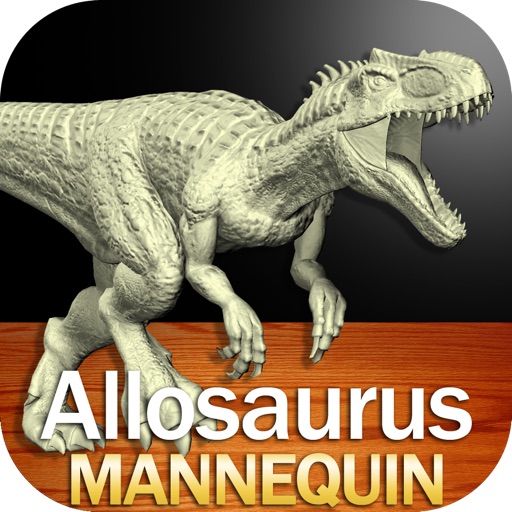
Create and customize drawings of an with poseable joints and adjustable limbs. Select from various skins and backgrounds. Adjust camera angles, zoom, and lighting. Use animations to guide realistic poses and movements.
Edit photos with HD quality frames and multiple frame options. Apply advanced color effects and bokeh blur. Add stickers and labels with various fonts. Share edited photos directly. No ads or pop-ups.
Edit photos or by selecting from a gallery and applying a frame. Choose background music or a song. Adjust position, scale, and rotation with touch gestures. View and share the edited content with friends or social media.
Add handwritten annotations with 8 pen styles, color options, and adjustable thickness and opacity. Include text annotations with customizable fonts, colors, and sizes. Insert images as annotations. Share the annotated movie directly.
The app provides stop motion and time lapse video creation tools. It includes onion skinning, instant preview, thumbnail editing, speed control, and music import.
Parts of images by drawing selection areas. Paste copied elements to any location. Remove objects, people, or text. Censor content by replacing it with surrounding pixels. Fill image gaps by copying and pasting nearby areas.
Capture frames using front or back cameras with adjustable white balance, focus, and exposure. Paint on frames with customizable brush tools. Export animations in various formats and share directly.
The app offers a painting application for iPhone and iPad, allowing users to create illustrations with colored pencils. It features a simple interface, color mixture options, and supports up to 16 layers with transform capabilities.