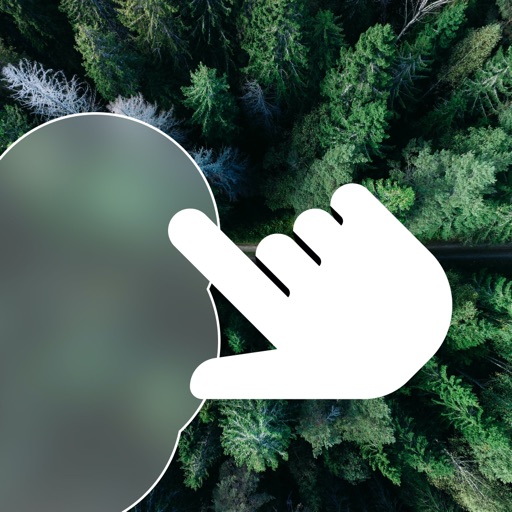
Blur image backgrounds to create effects. Select photos from gallery or capture new images. Apply multiple blurring tools to adjust blur intensity. Export edited photos to device storage.
by Hareshbhai Issamaliya★ 4.2111 ratingsPhoto & VideoFreeData updated 2026-09-14
Convert photos to black and white, sepia, or mono formats. Apply splashes to specific areas using touch. Adjust effects like hue, saturation, and contrast. Add photo filters for enhanced visuals. Export edited images in various formats.
Browse and download wallpapers from multiple categories. Apply blur effects with three intensity levels. Access daily updates and select resolutions for iPhone, iPad, Full HD, and HD devices.
Create art effects with one-click auto generation. Edit photos with filters, cutouts, background erasing, and changing. Blur images and adjust colors. Share edited photos directly to social media.
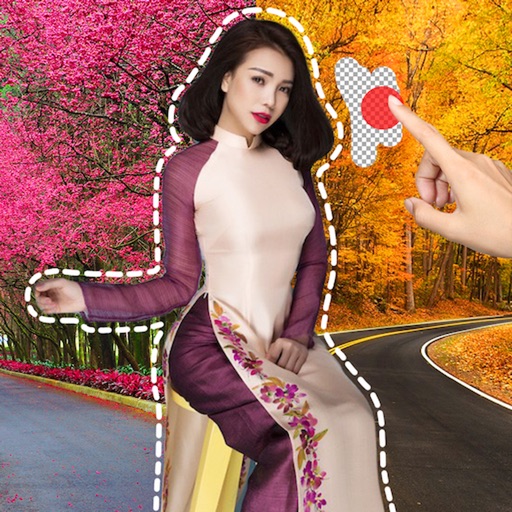
Remove image backgrounds using AI for transparent effects. Edit photos by cutting specific areas manually. Add new backgrounds, text, and stickers. Create profile pictures with customizable options.
Edit photos and videos with filters, effects, and adjustments. and scale using predefined canvases. Rotate, flip, and blur images. Add text, stickers, and frames. Share full-size content to Instagram and other social media without cropping.
Create graphics with customizable text effects and unique styles. Apply effects like metal chrome and retro chrome. Export high-resolution PNGs. Share directly to social media platforms including Instagram, TikTok, and Facebook.