Udio tones with adjustable frequency, amplitude, and waveform selection. Choose from sine, square, sawtooth, and triangle waveforms. Test audio equipment, tune instruments, or use for sound therapy. Control settings through an intuitive interface.
Real-time analysis displays waveform and amplitude simultaneously. Users can switch between portrait and landscape modes. Options to configure waveform and display. Adjustable FFT size and window function for precise frequency analysis.
Measure and analyze sound with real-time decibel readings and color-coded safety indicators. Track minimum, maximum, and average levels. Save measurements with location and notes. Receive warnings at dangerous sound levels.
Create and customize using 20 musical scales and 12 key signatures. Adjust 7 octave ranges and use 3-finger controls for playback. Share or save creations. Generate original tracks or follow pre-made examples.
Create and control up to 8 synthesizers simultaneously using a built-in keyboard or step sequencer. Connect external MIDI devices for input. Adjust sounds with a dynamic compressor and 10-band graphic equalizer.
Udio tones with customizable frequency settings from 15Hz to 22KHz. Choose between sine, square, sawtooth, and triangle waveforms. Create and save custom presets. Control playback from notification drawer, lock screen, or headset buttons.
Transcribe+ allows users to isolate vocals, drums, bass, and other instruments using on-device AI. Adjust and pitch with swipe gestures. Pause and drag the waveform to listen to specific sections.
Create and manipulate sound using two oscillators and one noise generator. Adjust frequencies in Hz or MIDI notes. Apply lowpass filters individually to each . Use panning for spatial effects.
Tune instruments with precision and frequency meter
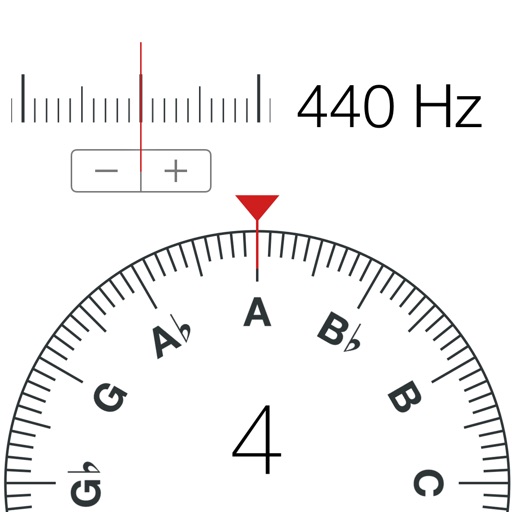
Tune instruments like guitar, piano, and violin with a . Generate tones and adjust frequencies for voice training. Display tuning systems including equal temperament and Pythagorean.
Nd play test tones including sine, rectangular, triangular, and sawtooth waves. Create and play frequency sweep tones in ascending and descending directions. Adjust frequency, amplitude, and duration settings.
Perform calculations a scientific featuring pi, exponents, square root, negative numbers, and logarithms. View calculation and adjust decimal places or use thousands separators. Customize keyboard colors and sounds.
Play sounds at defined frequencies between 0Hz and 25kHz. Use the noise meter to measure sound levels. Test speakers with quality audio for sound output.
The app offers a chromatic tuner, metronome, and tone generator for musical practice. It provides precise tuning, customizable metronome settings, and various tone generation options for all instruments.
Generate sine, square, sawtooth, and triangle tones across a wide frequency range. Adjust frequency by swiping up or down. Sweep sine frequency for hearing testing. Play tones to clean speakerphone dust and water.
Set a custom tempo with BPM input. Choose between normal, repeat, and program modes. Adjust beat divisions to eighth, triplet, or sixteenth notes. Use realistic pendulum animation and natural sounds. Start and stop timing with simple controls.