Edit photos with filters, masking tools, and multiple filter layers. Apply selective filters using advanced masking to create effects like color splash or tilt shift. Adjust and combine filters for custom results.
Take photos with real-time beauty filters and effects. Apply makeup and adjust skin tone instantly. Use photo filters to enhance images. Create collages by combining multiple photos. Edit with blur, whiten, and other tools.
Photos by flipping horizontally or vertically. Create reflections and repeating patterns. Apply effects and frames. Design collages with multiple layouts. Export and share edited images.
Edit photos with one-click body reshaping and scene-adaptive optimization. Adjust parameters for precise control. Apply regularly updated filters. Enhance body proportions by identifying 30+ key points. Share edited images directly.
Edit photos with multiple layers, blending modes, and masking. Adjust colors and brightness using adjustment layers. Apply brushes, smudge, warp, and effects. Add shadows and clarity. Export and share edited images.
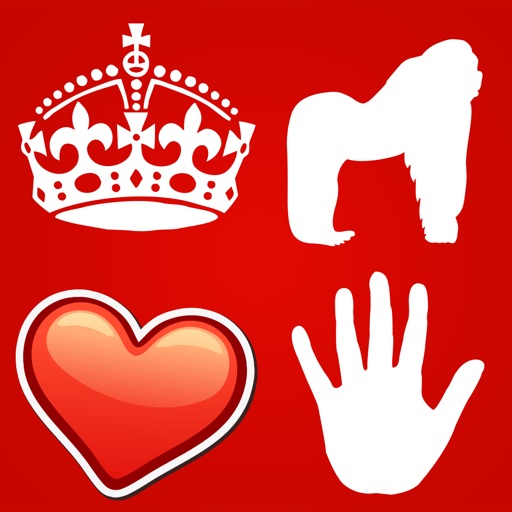
Create custom " And ____" posters by editing text, selecting icons, and choosing backgrounds. Add drop shadows or strokes to text. Change text colors and icon colors. Save or share the final design.
Edit photos with filters, light overlays, and aesthetic design elements. Crop, resize, and add borders or shapes. Create collages with multiple layout templates. Include stickers and share edited images on Instagram or Facebook.
Apply to photos and videos in real time. Edit existing media from the camera roll. Organize into categories for quick access. Share edited content directly to social media. Adjust brightness, contrast, and color settings.
The app provides tools for image adjustments like saturation and contrast. It offers light leaks, emulsion, grain, and scratch effects to mimic vintage cameras.
Create and edit digital art with brush tools, layers, and blending modes. Import and manipulate images. Save and export in various formats. Sync files via iCloud Drive. Support Apple Pencil for precise drawing. Render graphics using GPU acceleration.
Edit photos with effects, filters, and customizable stickers. Blend images and add 3D or overlays. Crop photos and draw on them. Apply frames and borders. Use a custom camera to capture and enhance images.
The app offers multi-layer photo editing for creating composites and artwork. It allows users to combine photos, add text, apply filters, and use AI tools for image generation and background editing.
Take portrait selfies with front and rear camera switching via tap or shake. Use night mode for low-light shots. Auto mirror and timer functions available. Create grid collages with 1:1 and 4:3 layouts using 1 to 9 grids.
Create reflection effects with left-right, up-down, or repeat options. Apply effects and designer frames to enhanced images. Select from gallery or capture new photos for editing. Export and share edited images.
Edit photos with AI muscle enhancement, reshaping, and face retouching. Add beards and hairstyles. Remove backgrounds. Reconfigure faces with AI reface. Adjust muscles, arms, and chest. Export edited images.