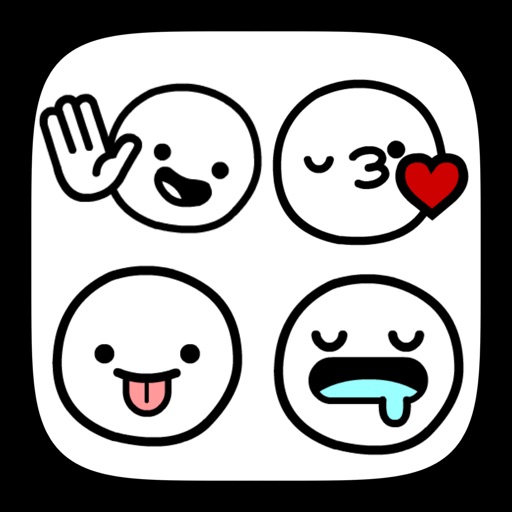
Use stickers to add messages in iMessage. Select and place stickers in message fields or drag them onto message bubbles. Includes 20+ original and Tiger designs.
Find and use emojis to express emotions and personality. Customize messages with animated stickers. Share stickers with friends and family to enhance conversations.
Create and customize messages by layering stickers. Select stickers from the drawer, peel them off by holding, and drag them onto other messages or stickers. Combine with compatible sticker sets for varied designs.
Add fiery red with glossy finishes and licking flames in orange, yellow, and blue. Customize messages with playful expressions and mischievous grins. Share across platforms and integrate with messaging apps.
Send stickers with 31+ expressions for any message. Choose from weekly updated . Share via text or social media. Support available for troubleshooting. Works on all devices.
Send dynamic and animated stickers in iMessage chats. Place stickers anywhere on messages. Customize photos with stickers in chat. Layer stickers over each other.