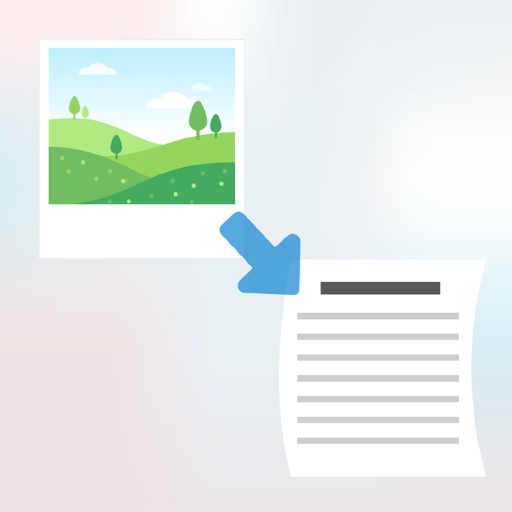
Extract from mobile screens or images using advanced OCR technology. Share screenshots or select from images to capture precise . Translate extracted into multiple languages. Save or the extracted for use.
by Appzys Technologies Private Limited★ 4.64,769 ratingsProductivityFreeData updated 2026-09-14
Convert images and documents to editable using OCR technology. Recognize in multiple languages including Chinese, English, Japanese, and Russian. Edit recognized and save as .txt or .docx files. Scan to PDF and export scanned documents.
Convert PDFs to Word, Excel, PPT, and image formats while retaining original layouts. Extract text from scanned PDFs using OCR in English, Chinese, or Japanese. Annotate documents with highlights, handwritten notes, and e-signatures.
Convert images to text using OCR technology. Scan documents, receipts, and textbooks for digital storage. Support English, Japanese, and Chinese-Simplified. Save scanned content as files. Share scanned documents directly.
Scan documents using mobile camera with automatic focus and lighting adjustment. Crop and rotate scanned pages. Save as PDF or image files. Share scans via email or messaging apps. Adjust contrast and brightness for clear images.
Extract text from images or documents using the camera. Edit and copy extracted text directly. Save text as files or share via email. Supports multiple languages and formats.
Convert PDFs to Word documents and export pages as JPG or PNG. Scan documents, receipts, and IDs with auto-crop and perspective correction. Edit files by adding text, highlights, and signatures.
Scan documents quickly with high-quality image capture. Extract text using OCR for editing or translation. Export files as PDF, JPEG, or TXT via email, chat, or cloud. Add electronic signatures to forms and contracts.
Convert documents to with scanning and editing tools. Sign and lock files for secure storage. Read and annotate PDFs. Organize and manage files in one place. Share documents directly via email or cloud services.
Documents, receipts, and photos to convert into PDF or JPEG. Add signatures and share files directly. Organize scanned images and manage documents securely. Supports OCR for text recognition and includes editing tools.
Documents, photos, receipts, or other materials into clear, sharp images or PDFs. Correct perspective, remove shadows, and adjust colors. Save, email, print, or cloud-store scans. Combine multiple scans into one PDF using batch mode.
Extract from images, photos, screenshots, and PDF files. Recognize handwritten notes and scan multiple images at once. Automatically detect language and crop images before scanning. Edit and share extracted .
Documents to PDF or image formats. Extract text from scanned images using OCR. Share files via email or cloud services. Edit PDFs and convert between PDF, JPG, DOC, and TXT formats. Organize and store scanned documents securely.
OCR converts images to editable and speech. Recognize from images and PDFs. Extract and edit recognized . Convert to speech for audio output. Share recognized via email or messaging.
Documents into clear PDF or PNG formats. Automatically detect edges and multiple pages into one file. Sign, enhance, and organize scanned documents. Share via email, iCloud, Dropbox, or Box.