
Apps Like Blur Go for iPhone and iPad
Blur Go screenshots
Ranked alternatives
Showing 581–600 of 1,000 ranked alternatives.



MakeUP - Photo Editor
Hareshbhai Issamaliya
Edit photos, enhance features, share instantly
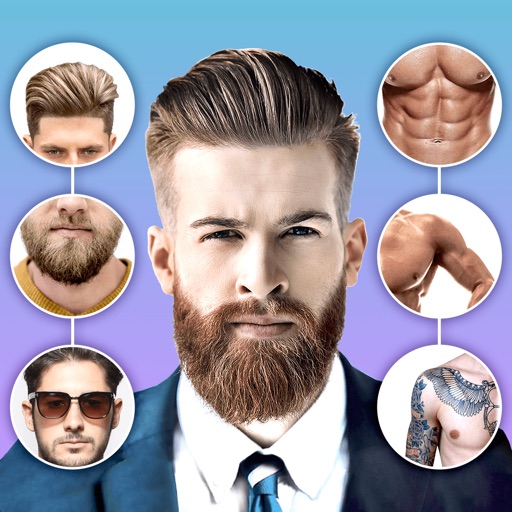
Edit photos with body shape modification tools and hairstyle customization options. Adjust skin tone and facial features. Add filters and effects. Export edited images in various formats and share directly.

XnSketch - Sketch&Cartoon
pierre gougelet
Convert photos to drawings and sketches
Convert photos into drawings, cartoons, or sketches with one click. Choose from various effects like black strokes, pastel, or halftone. Adjust edge strength, opacity, contrast, brightness, and saturation. Save the edited result.

Creative Lighting Photo Editor
Quantis, Inc.
Apply light effects to photos
Create original images using light effects. Apply light leak filters to add unique textures. Adjust brightness and contrast for enhanced visuals. Share edited photos directly to social media.

Picture Art - Painting Filter
Samish Maheshwaran
Edit photos with bleeding pixel effects
Apply photo effects to enhance images. Add stickers, text, and frames. Choose from various artistic styles including pixel bleeding effects. Edit and share modified photos directly.


Tilt Shift - Miniature Effect
Dongwook Cho
Add to photos and videos
Add to photos and videos. Adjust lens blur, size, position, and shape. Apply cinematic filters. Crop and rotate images and footage.
Photo Editor - Use Amazing Color Effects
Jorge Gregorio Martin Bello
Edit photos, add , and apply filters
Enhance photos with brightness, contrast, and saturation adjustments. Apply , add stickers, frames, and splash. Crop, rotate, flip, and remove red eye. Draw and paint on images. Add text with multiple fonts. Tilt shift and focus available.


Filter Editor use Effects Tool
惠满 贺
Edit photos with filters and text
Edit photos using adjustable filters for brightness, contrast, saturation, color temperature, highlights, shadows, and color. Add text to images for customization. Preview in real time. Remove previous settings. Save edited photos to the device.
How we rank alternatives
Apps are ranked by functional similarity, category fit, rating confidence, and popularity.