Create videos with 3D objects and glitch effects using personal images and videos. Apply 200 grid presets to objects and adjust divisions and intensity. Blend images, set background images, and control object transparency.
by Teresa Alonso★ 4.798 ratingsPhoto & VideoFreeData updated 2026-09-14
Apply effects to photos and videos using five filters: Standard, High Contrast, Greyscale, Rainbow, and a fifth unspecified option. Adjust intensity and export edited media in various formats.
Create AI-generated photos and pranks from selfies. Add playful effects and hyper-real filters. Generate AI boyfriend/girlfriend images. Apply aesthetic glow-ups. Share directly to social media platforms. Edit photos with AI-powered tools.
Objects from photos using various tools. Replace removed elements with templates or custom images. Edit photos to eliminate unwanted items like people, wires, or blemishes. Export edited images directly.
Transform faces into humorous expressions using technology. Apply effects to create funny animations. Share altered images and videos directly to social media platforms. Adjust intensity and duration for customized results.
Edit photos by swapping faces with AI precision using 100+ templates or custom images. Replace multiple faces in videos with realistic animations. Create animated portraits and apply virtual hairstyles or outfits.
Take photos of objects to create - animations or time-lapse videos. Edit sequences, adjust timing, and export as cartoons or animations. Combine photos into videos with customizable transitions and effects.
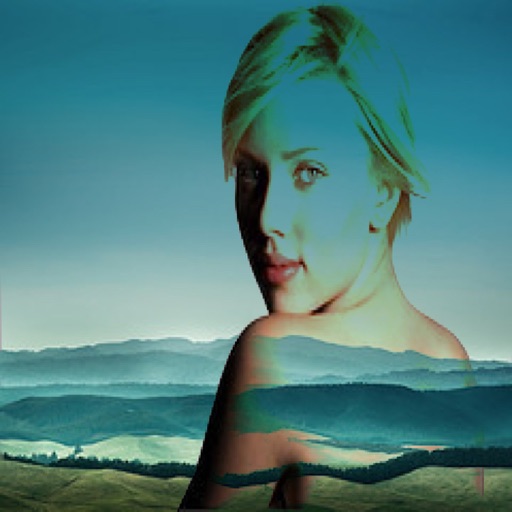
The app allows users to combine two images using various blend modes. Users can select photos from their device or the web and adjust layer transparency.
AI enhances photos and videos with one-tap processing. Adjust brightness, contrast, and color balance. Remove blemishes and imions. Add text overlays and stickers. Export in various formats and share directly.
AI-powered placement allows users to embed objects in photos. Customize fonts, sizes, and colors. Adjust position and depth for professional-looking depth effects. Export edited images directly.
The app allows users to add wobble effects to photos, simulating the motion of soft objects. Users can adjust softness, control shake areas through various gestures and device movements, and record videos of the wobbling effect.
Edit photos by transforming them into creative paper formations with 3D light effects for detailed shadows. Fragment, join, weave, rip, and fold images with realistic creases and bends. Use one-touch presets or randomize for varied effects.
Offers control over ISO, shutter speed, focus, and white balance. Users can shoot high-resolution photos and cinematic videos. Features include -style settings, focus adjustment, and exposure control for professional-quality imaging.