Create collages with 64 layouts and custom difference templates. Add photo frames, stickers, captions, and text with font options. Edit backgrounds and export finished collages.
Create collages by combining multiple photos into one with customizable layouts. Apply one-touch filters for instant effects. Add text, letters, and stickers to photos. Export and share finished collages directly.
Take photos or select images from the camera roll. Add festive stickers to create holiday-themed images. Save and share creations via email, Twitter, or Facebook.
Edit photos with AI cartoon filters, -to-sketch conversion, and mosaic art creation. Remove backgrounds, add drip art, and create collages. Save and share edited images directly.
Take photos with real-time beauty filters and effects. Apply makeup and adjust skin tone instantly. Use photo filters to enhance images. Create collages by combining multiple photos. Edit with blur, whiten, and other tools.
Edit photos with advanced tools like layers, masks, and adjustment brushes. Crop, rotate, and resize images. Add text, stickers, and special effects. Export in various formats and share directly.
Add stickers to iMessage conversations with faces, hats, beards, glasses, masks, food, and more. Resize and rotate stickers freely. Includes themed packs for holidays and events.
Frame photos with customizable for social media. Add text, stickers, and inspirational fonts. Share edited photos directly. Access themed frame packs for different occasions. Edit images with text and creative color options.
Create photo collages by combining 2 to 9 images into one. Adjust size, position, and layout. Choose from various templates and styles. Add stickers, frames, effects, and patterns. Share finished collages directly.
Create photos with customizable . Select from options. Add photos from gallery or capture new ones. Apply filters for enhanced appearance. Include stickers or emojis. Save and share edited images.
Edit photos with seasonal and holiday themes. Apply nature-inspired filters and effects. Add text and stickers to images. Save and share edited photos directly.
Edit photos with filters, effects, and adjustments. Add text with multiple fonts, colors, and effects. Overlay text or add captions and 3D text. Include stickers, artwork, and frames. Create collages and personalize cards with photos.
The app allows users to send photos directly to CEIVA frames from any location. Users can also view, save, share, and store their photos, and invite others to send images to their frames.
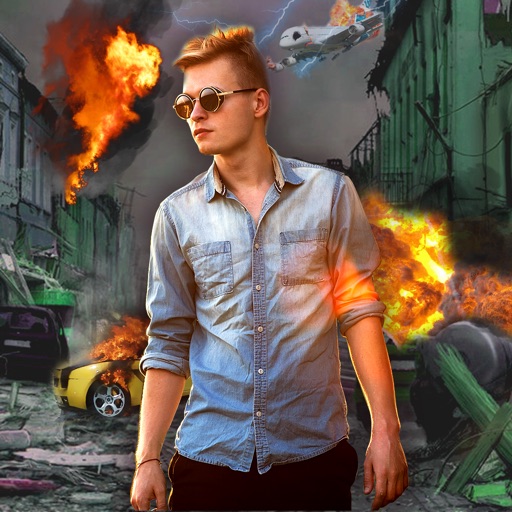
Edit photos with -themed effects like explosions, bomb blasts, and action stickers. Apply customizable FX frames and VFX filters. Decorate images to resemble posters. Share edited photos directly.