Sketching and doodling apps offer tools for creating and editing drawings. Users can choose between sketching, doodling, or learning through kid-friendly features. Apps include drawing pads, color tools, and interactive learning options for children.
Allows users to create drawings with customizable tools and layers. Share artwork with friends or join collaborative sessions. Access weekly drawing lessons and tutorials. Save and organize projects in a personal gallery.
Take a selfie and submit it for others to portraits. Browse community artwork including masterpieces, doodles, and caricatures. Use GPU-accelerated tools with various brushes for drawing.
Shapes by connecting points with a line. Measure the length of the drawn shape and close it to reveal the outline. Adjust the line to fit the shape accurately for higher scores. Play anytime and track progress through multiple shapes.
Create custom black-and-white line drawings using AI prompts. Draw freely with customizable tools. Access a global community for sharing and feedback. Save and export artwork in various formats.
Create drawings with Apple Pencil support. Use grid or lined backgrounds. over existing images. Save square images. Add widgets to showcase drawings on the home screen. Enable multitasking and multi-window features on iPadOS.
Use AR to trace and recreate images by aligning with real-world objects. Adjust line thickness and color. Save and share drawings. Access tutorials for improving sketching techniques. Export in multiple file formats.
Teaches children to correctly using animated step-by-step guidance. Features include drawing animals, flowers, and objects with assisted strokes. Includes difficulty levels to practice sketch formation and fine motor skills.
Draw on whiteboard, blank canvas, or images using pen, line, arrow, and shape tools. Edit photos with filters, adjustments, effects, and crop options. Customize tool size and transparency. Add text, stickers, and emotions.
Use AR to and real-world objects. Trace or create images using augmented reality. Add layers and adjust opacity. Export drawings in various formats and share directly.
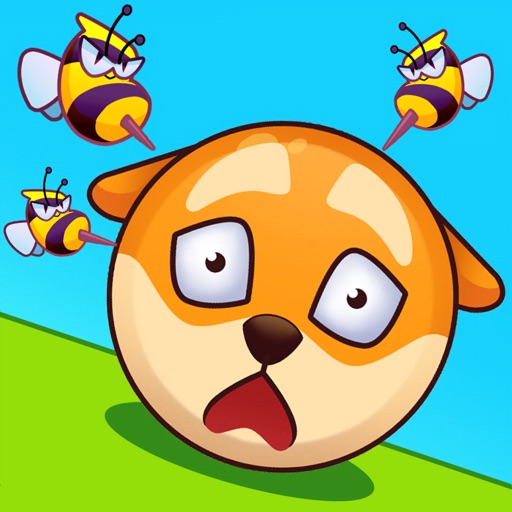
Create protective barriers by drawing lines, shapes, and doodles to from wasps. Limit the number of lines per level. Test logical thinking and creativity to prevent wasps from reaching the balls.
Track progress and milestones for early learning. Explore alphabets, numbers, , and coloring through interactive . Access safe, educational puzzles and tracing activities for toddlers.