Create animated videos with customizable backgrounds and social media formats. Use a doodle editor with unlimited layers and custom speed frames. Export and share finished animations.
Edit photos by selecting images from the library and using an adjustable brush tool to mark areas for removal. The employs inpainting algorithms to seamlessly eliminate unwanted elements and blend the background.
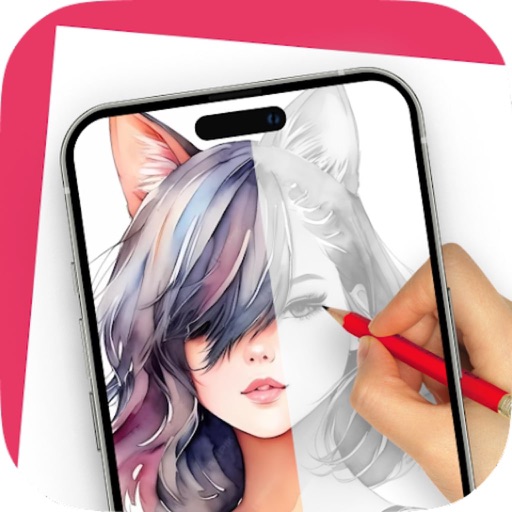
The app transforms user images into watercolor art with liquid color pools and delicate details. It offers two professional-quality aquamedia styles, a randomize color button, and numerous styles for customization.
Create color palettes from photos using automatic or manual mode. Save palettes in Adobe .aco format for use in Photoshop. Export palettes as images or share via social media.
Create posters, flyers, and advertisements by adding text to photos. Choose from 300+ fonts, adjust size and color. Design quotes, invitations, and greeting cards. Export without watermarks. Sync with social media platforms.
The app offers a painting application for iPhone and iPad, allowing users to create illustrations with colored pencils. It features a simple interface, color mixture options, and supports up to 16 layers with transform capabilities.
The app offers a large collection of Hollywood special effects for photo editing. Users can add professional composition tools like color correction, motion blur, and fog to their images.
Edit photos with stretching, squeezing, pinching, and prodding tools to create surreal effects. Apply advanced image manipulation techniques similar to professional software. Export edited images in various formats and share directly.
Create mood boards and organize reference images with smart asset management. Pick precise colors and collage freely. Edit across iPhone, iPad, and macOS with unlimited canvas and batch processing.
Create motion art using animated brushes that animate each stroke. Customize brushes with multiple parameters. Export animated artwork as video. Save and share projects directly.
Edit photos by drawing on them with adjustable brush sizes and color choices. Use an erase tool and undo/redo functions for precision. Save edited images for later changes or share them directly on social networks.