Capture high-quality photos with resembling DSLR functionality. Adjust focus, exposure, and other settings via gesture-based interfaces. View focus peaking and use a 4x magnifier for precise focusing. Display minimum focus distance for macro shots.
Add a circular frame to Instagram or social media pictures. Choose from customizable borders like Instagram Story, Space, or Donut. Supports Facebook and Instagram Close Friends Stories. Apply borders to avatar images directly.
Adjust exposure, focus, and white balance manually. Control shutter speed and ISO settings. Use a gray card for accurate white balance calibration. Capture high-quality photos with full manual camera controls.
Record and stop-motion videos with support for SDR Video, HDR Video, Apple Log, 12MP, and 48MP photos. Adjust playback speed after recording. Edit footage with advanced tools. Export in various formats. Control settings during capture.
Connect motion cameras for real-time preview and parameter control. Download images and videos quickly. Edit photos and videos with filters, cropping, and music addition. Share, like, comment, and collect content within a community.
Export Photos as GIF, , or still images. Customize GIF settings including resolution and frame rate. Batch export multiple Photos with consistent settings. Limit GIF file size for social media. Export single frames from Photos.
Create and share short videos as animated GIFs or MP4. Capture frames with the or import photos, videos, or live photos. Apply real-time color filters, add text or frames, and record stop motion.
Select photos from gallery or photo library. Choose from numerous PIP frames. Use single image for both foreground and background or different images for each. Edit foreground and background separately. Apply photo filters.
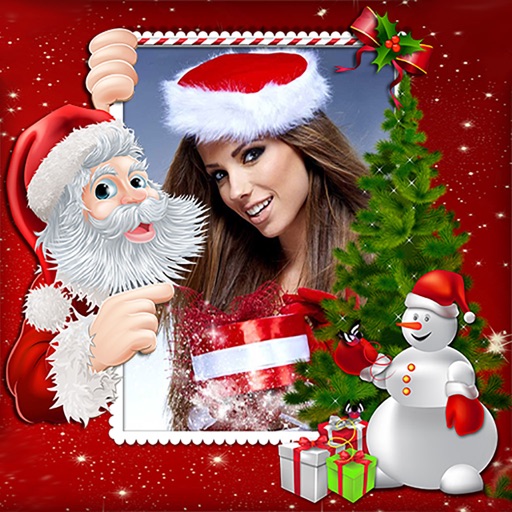
Create holiday e-cards by selecting from 40+ photo frame templates. Choose a photo from the gallery or camera. Apply effects to personalize cards. Save and share finished designs.
The app allows users to monitor homes, offices, or stores remotely. Users can view live video, communicate via two-way audio, and control camera functions like pan, tilt, and night vision.
Provides a precise framing preview for Blackmagic cameras and lenses. Simulates field of view in real-time. Helps with preproduction setup. Displays camera and lens combinations. Includes ad banners. Allows adjustment of framing and composition.
Take photos of objects to create - animations or time-lapse videos. Edit sequences, adjust timing, and export as cartoons or animations. Combine photos into videos with customizable transitions and effects.
Browse a collection of and nature for Home Screen, Lock Screen, or other devices. Filter by wallpaper framing for iPhone, iPad, or Mac. Download directly from the . View daily featured photos.
Provides a real-time framing preview of your iPhone or iPad camera setup. It simulates field of view for digital cameras and lenses. Users can adjust settings and see how compositions will look. It helps with preproduction planning for filmmakers.
Create and share short videos as animated GIFs or MP4. Capture frames with the or import photos, videos, or Live Photos. Apply real-time color filters, add text or frames, and choose stop motion or video mode.
Edit photos with filters, select and apply Independence Day , add text with customizable font style and size. Share edited photos via social links. Set color options and arrange images in sets.