Capture photos in and with real-time contrast and exposure adjustments. Preview high-key or low-key effects in the viewfinder. Use Zen mode to focus on composition without technical distractions.
Resize and crop images with precise aspect ratio control. Batch process multiple files for efficiency. Export in various sizes including @2x and @3x. Edit metadata and prepare images for social media or professional design use.
Resize and crop photos in batches, adjust dimensions, rotate, or delete multiple images at once. Save edited photos to camera roll, email, or Dropbox. Customize resize settings and export to a working directory without altering original files.
Select an image from the or gallery. Focus on a specific point for 20 seconds to create an afterimage effect. The colors from the original image will appear as a colored afterimage on a black-and-white background.
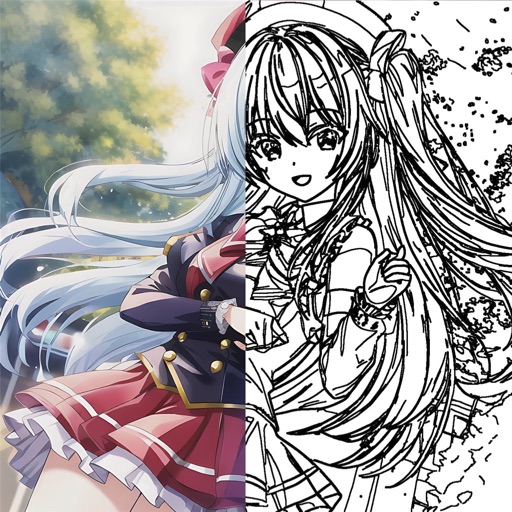
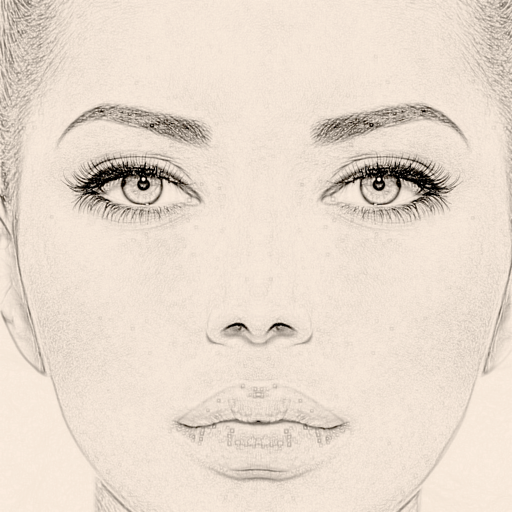
The app converts photos to grayscale while allowing users to selectively recolor portions of the image. Users can paint, zoom, and erase to create unique color splash effects and share their creations.
Edit photos with rotation, straightening, resizing, cropping, and border tools. Adjust color, temperature, tint, and apply film effects, light leaks, and lens flares. Add overlays, textures, and dirt effects.
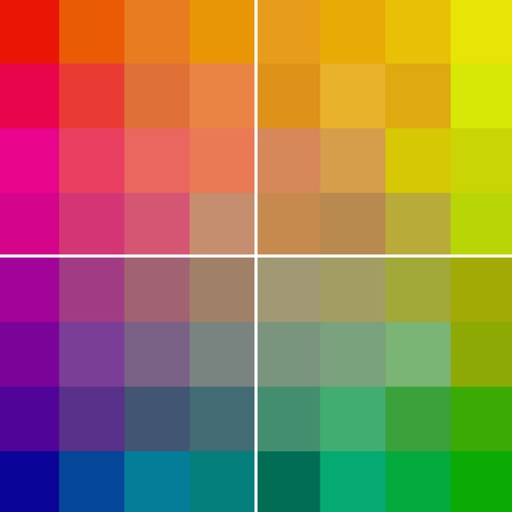
Select colors for artworks using reference photos. Suggest four brands of colored pencils with specific counts. Include an option for graphite. Download and print skin tone value viewers.
Create and edit drawings with a variety of colors and brushes. Sketch freely and refine details. Save, share, and publish artwork. Include step-by-step process for each drawing. Export in multiple formats and share directly.