Create artistic images by masking subjects and separating them from backgrounds. Apply filters to subjects or backgrounds for dramatic effects. Adjust styles and textures to enhance visual impact. Share edited photos directly from the .
Edit photos with background erasing and changing tools. Blur backgrounds and apply portrait beauty effects. Add realistic filters and effects with one tap. Share edited photos directly. Join a community for editing tips and feedback.
Edit photos by applying and effects. Select images from the gallery or camera. Adjust frame position, size, and angle. Choose from multiple stylish frame options and effects.
Edit photos by selecting from a gallery or taking new ones. Choose from various -themed to enhance images. Save and share edited photos directly. Create postcards by combining photos with . Adjust and export final edits in different formats.
Convert videos into high-quality photos with original resolution. Capture still frames from videos for moving subjects like babies and pets. Save consecutive frames as separate photos.
Combine multiple photos into customizable frames or collages with 55 adjustable templates. Add rounded corners, effects, shadows, and patterns. Choose colors using an easy color picker. Save projects and share via Facebook, Email, or Twitter.
Customize profile pictures for Instagram, LinkedIn, WhatsApp, Facebook, and other social networks. Add images, select color and width, adjust inset, and add custom badges. Export edited images for use across platforms.
Create collages by selecting multiple photos and arranging them in various layouts. Apply mosaic effects to individual photos for artistic results. Edit images with basic tools and save or share the final output.
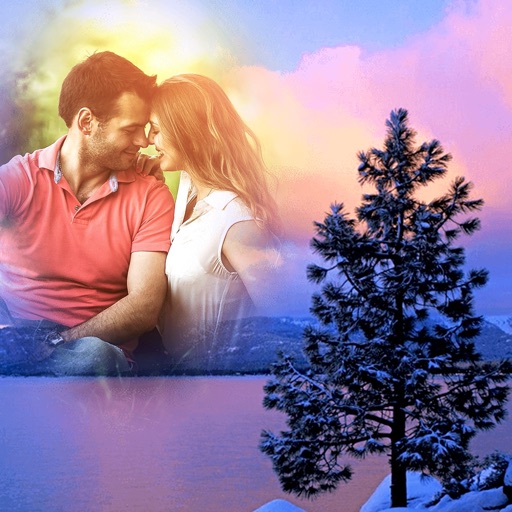
Edit photos with seasonal frames and nature effects. Select images from the gallery or take new photos. Apply filters and effects to enhance visuals. Save and share edited photos directly.
Edit photos with filters, effects, and frames. Adjust brightness, contrast, and balance. Crop, rotate, and straighten images. Add text, stickers, and drawings. Paint on photos or blank paper. Apply splash and tilt shift effects.
Create pixel art with layer editing tools including alpha sliders, hide options, copy, and merge down. Animate with onion skinning, alpha controls, and live preview. Export as PNG, GIF, or JPG with support for animated GIFs and sheets.
Create artistic images using 50+ custom templates. Crop and frame photos into symbols, words, or shapes. Share finished images to Instagram, Facebook, Flickr, Tumblr, and Twitter.
Edit photos with -themed and effects. Choose from multiple creative designs. Import images from gallery or camera. Adjust brightness, contrast, and color. Share via Facebook, Instagram, or WhatsApp. Save high-resolution versions.
Create reflection for photos with left-right, up-down, and repeating options. Apply cool filters and artistic frames. Edit images to generate twins and typography .
The app allows users to create collages using photos, videos, and Live Photos. It offers 345 built-in layouts or custom layouts with adjustable tiles and customizable metadata.
The app allows users to create photo and video collages with customizable layouts and enhancements. Users can add text captions, filters, and borders, and import media from various sources.