Create animated drawings by adding motion effects and sound. Customize colors and brush sizes. Save and share artwork. Export videos of animated creations.
by SMARTEDUCATION, Ltd.★ 0.00 ratingsEducationFreeData updated 2026-09-13
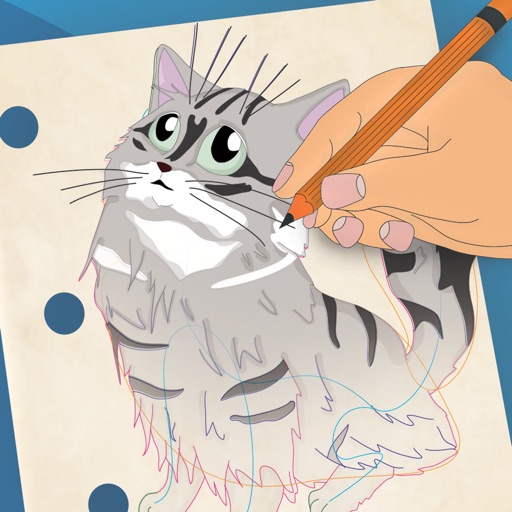
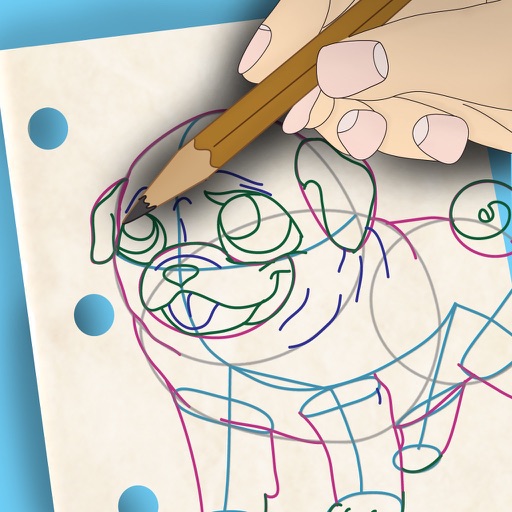
And practice drawing pencil sketches on paper. Select and customize drawing tools. Follow guided tutorials to improve techniques. Save and review artwork progress. Adjust brush settings for different strokes. Share completed drawings digitally.
TOYA TAP: PRESCHOOL AND KINDERGARTEN FREE LEARNING PUZZLES GAMES FOR KIDS TODDLERS LTD
Color pages, draw, and create art
Pages allow users to select from crayons, markers, and a sparkling brush. Animated elements enhance the experience. The interface guides children in specific areas. Users can save and share their artwork.
A game allows offline art creation without ads. Users can color and draw princesses, unicorns, and animals. Features include animated elements that react to color, confetti effects, and a sketchbook interface for creative sessions.
Children can color interactive images and solve puzzles with educational content. Features include 10 topic packs with 120 images, sound effects, and animated characters.
Access -themed pages and drawings. Create and customize artwork with easy-to-use tools. Share finished drawings via the . Includes a pixel art workshop for detailed designs.
Learn to characters and animals with guided tutorials. Choose colors and customize designs. Save and share drawings. Access a variety of kawaii characters, anime, food, and holiday themes.
Use your phone camera to draw on any surface. Access templates for animals, cars, and nature. Utilize the built-in flashlight for better visibility. Share completed drawings with friends. Create art using augmented reality technology.
Create animations using LEGO, clay, drawings, or everyday objects. Record frame-by-frame footage. Adjust timing, add sound effects, and export videos. Share directly to social media or email.
Create and share animated stories with family members. Collaborate on hand-crafted animations. Include voice recordings and drawings. Save and revisit stories. Share creations across devices and locations.
Create glowing art by applying effects to photos or existing images. Adjust brush size and glow intensity. Save creations to the Photo Library. Email postcards globally. Use multiple undo levels and mix colors for custom palettes.
Use AR to and real-world objects. Trace or create images using augmented reality. Add layers and adjust opacity. Export drawings in various formats and share directly.
Create art by following lines with customizable brushes and bright colors. Choose from various patterns and tools. Save and share completed drawings. Adjust colors and brush sizes for detailed painting.
Create collages using photos and videos. Add text, stickers, and backgrounds. Include video clips in collages. Share finished projects directly. Edit images with cropping and filters. Save and export in various formats.
Create and customize stick figures with drawing tools. Add expressions, clothing, and accessories. Save and share drawings. Explore interactive scenes with hand-crafted animations. Import and export artwork.
Children can draw simple shapes and characters like butterflies, frogs, and cars. Completed drawings animate to life with movement and sound. Users can explore creative tools, customize characters, and interact with animated results.
Learn through interactive with sound effects and animated backgrounds. Color drawings using MAGIC BORDER technology. Create paper toys with in-game characters. Paint and explore interactive elements within each puzzle.
Create and share digital artwork with drawing tools and palettes. Customize brush settings and layers. Save and export drawings in various formats. Collaborate in real-time with others.