Create square frames using images from your photo library. Add multiple images to a frame. Change . Rotate, resize, and reposition images. Preview the final image. Save the completed image to your photo library.
QSOFT INFORMATION AND COMMUNICATION TECHNOLOGY SOLUTIONS COMPANY LIMITED
Add , stickers, and customize fonts
Add to photos with over 100 fonts, customize color, size, and alignment, and apply effects like shadows and outlines. Choose from various stickers including animals, people, food, and objects. Create typography with adjustable formatting options.
The app provides layouts, backgrounds, and frames for designing photo collages. Users can select templates, upload photos, and adjust them with effects, resizing, or rotation.
Set without trimming. Adjust to fit duration. Crop to square or keep original orientation. Set background color. Apply filters and overlay shapes. Add background music or retain original audio. Share to social media or save.
The app allows users to create unique images with special effects by combining photos with text. Users can add stylish text, masking, collages, frames, filters, and geometric shapes to their photographs.
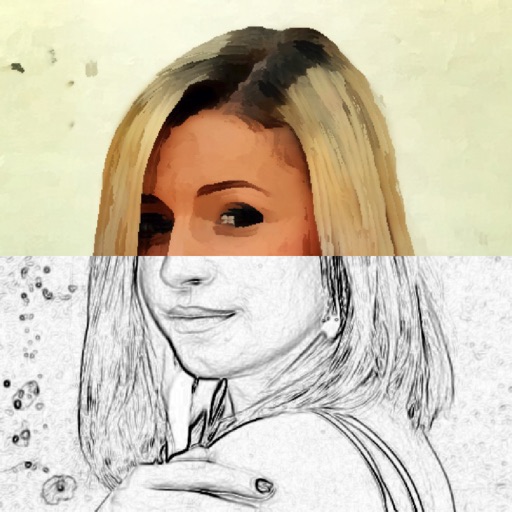
Convert photos to and with one tap. Apply various monochrome filters for different styles. Adjust brightness, contrast, and grain. Crop and resize images. Save and share edited photos directly.
Edit photos with crop, rotate, and filter tools. Adjust brightness, contrast, and color. Add text, stickers, and draw on images. Apply blur, focus, and special effects like magic and splash. Export and share edited photos.
Create square images for by blurring the , repeating the original image, or filling with a chosen color. Adjust borders to fit entire photos without cropping. Apply effects directly within the .