Create artwork using brushes, futuristic backgrounds, and glowing stickers. or paint with finger swipes. Add text and notes with the text editor. Apply effects to photos and over them. Save and share edited images.
Color pictures with realistic brush tools and save completed artwork. Draw on blank pages with zoom features. Watch video replays of drawing sessions. Access a variety of pre-designed images for .
Create mandalas with customizable symmetry and brushes
Create intricate mandalas by adjusting canvas symmetry, background color, and brush settings. Use predefined patterns or images for drawing. Apply shadows and customize center points. Save and share completed designs.
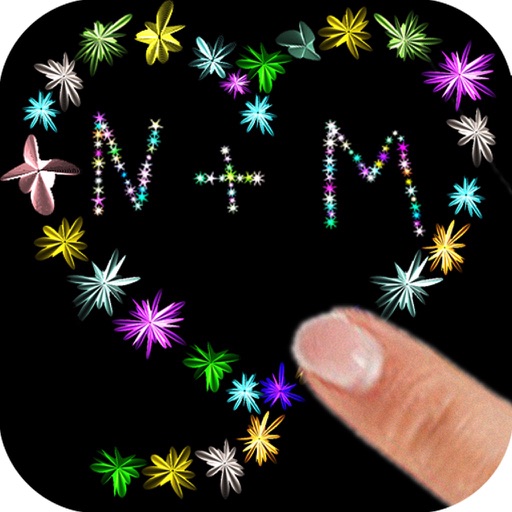
The app allows users to paint with their fingers, choosing colors and sizes to create art. Users can draw shapes and names with random flower colors, then save the drawing to their photo gallery.
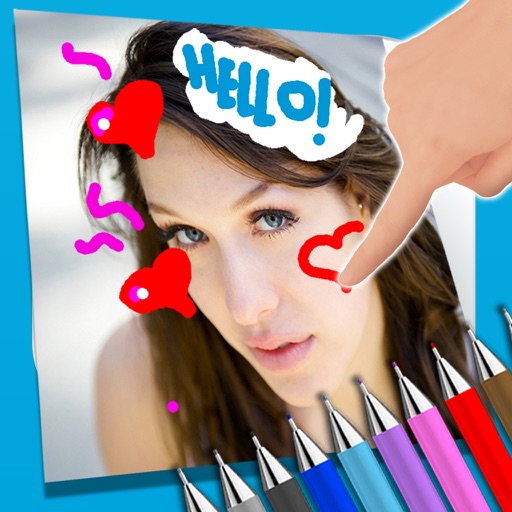
The app allows users to write notes and draw on images using a photo and text editor. Users can select from three pencil types and various colors, change backgrounds, and add captions to photos.
Play charades by acting out scenes, characters, or quotes without speaking. in pictionary mode using gestures to guess clues. Compete against friends in real-time multiplayer sessions. Share scores and challenge others to custom game sessions.
Create art drawings using printable templates. Generate blank or color-coded grids for paper-based creation. Print templates for use with markers, Hama beads, or 3D printers. Share completed artwork digitally.
The app provides a method for measuring time that can be motivating for children. Users can select time in minutes or seconds for a character to follow a drawn path.
Create custom fonts by drawing letters with handwriting. Choose animation colors and brush settings. Support multiple languages. Switch styles and themes. Use fonts in messaging apps like WhatsApp and iMessage.