
iPhone Screenshots


Description
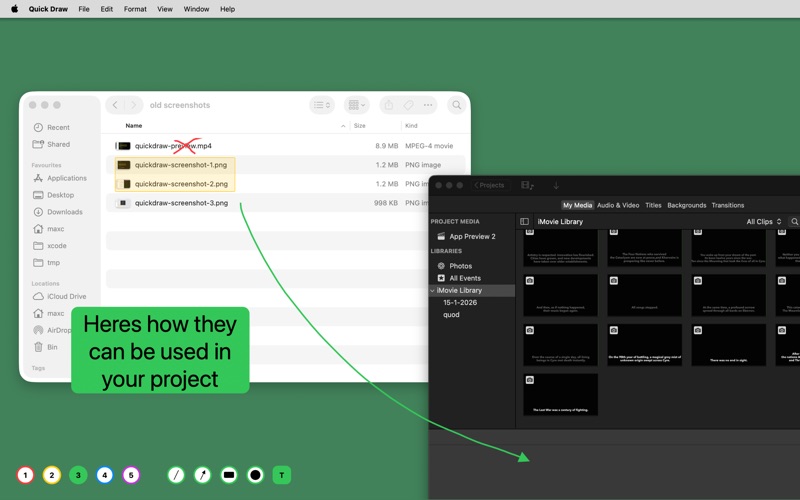
Quick Draw let you put lines, arrows, rectangles, circles and text straight onto your screen. Over any window.
While screencasting or presenting, draw an arrow to the thing you're talking about instead of waving the mouse pointer at it. Before you take a screenshot, hold shift and drop a solid rectangle over anything you'd rather not share, so there's nothing to edit out afterwards. Press T and type some text if a shape won't do.
Nothing you draw belongs to a particular app, so an arrow can start in one window and land in another.
Press escape to clear the screen. Press it again and Quick Draw steps aside, putting you back exactly where you were.
All features are just a keypress away:
- 1 to 5 pick a colour
- L, A, R, C, T pick line, arrow, rectangle, circle or text
- Shift for straight lines and filled shapes
- Space to reposition a shape while you're still drawing it
- Backspace erases what's under the mouse
- Command-C copies a screenshot, Command-S saves one to a folder of your choosing
- Slash shows the full list on screen, option-slash hides the toolbar
Quick Draw collects no data of any kind, and the source is on GitHub.