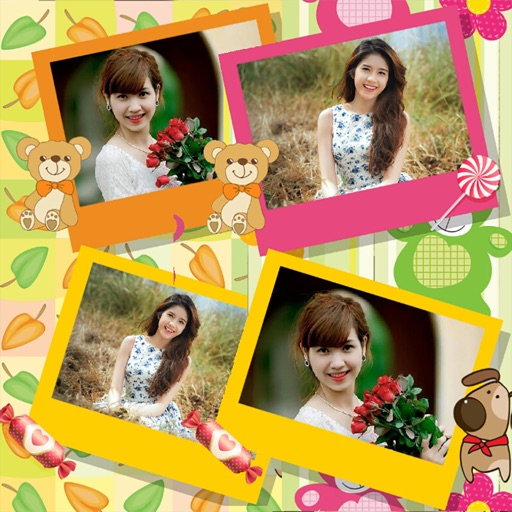
Create collages with single or multiple photos, up to 14 images. Add , backgrounds, and drawings. Share collages on Facebook, Instagram, Twitter, WhatsApp, and other platforms. Edit photos with basic tools and apply templates.
Access and edit royalty-free images and vectors. Add text, stickers, and effects to images. Share edited content on social platforms. Edit for personal or commercial use without copyright restrictions.
Create stickers from photos by cropping and adjusting the cutout area. Add text and emojis. Change background colors. Share stickers via iMessage, Facebook, Messenger, and WhatsApp.
High school students can join school events, nominate themselves, and view program details. They can send messages, share photos and videos, and like or comment on content. Real-time chat enables direct communication between students.
Record videos with speed, location, time, and date overlays. Live preview shows real-time footage except for settings overlay. Save videos to documents for download via file sharing or export to roll for viewing.
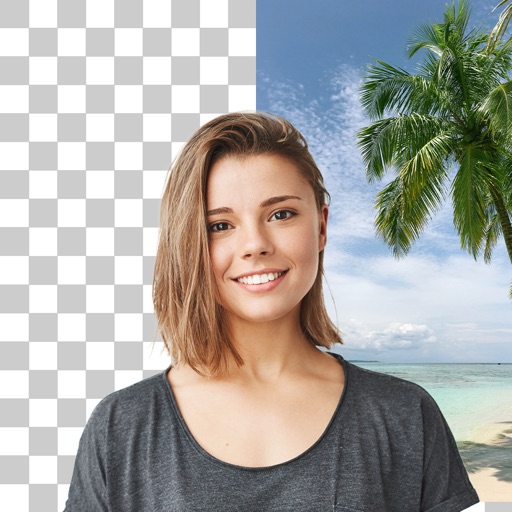
Edit photos with cropping, filters, and adjustments. Remove unwanted objects or people using the Magic tool. Replace backgrounds to create montages. Create collages with pre-designed templates. Export edited photos in multiple formats.
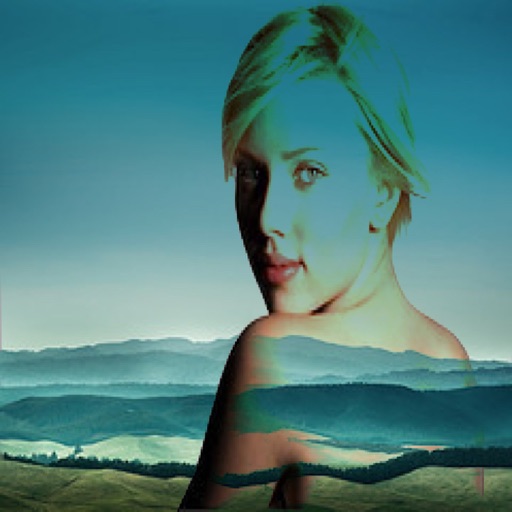
The app allows users to combine two images using various blend modes. Users can select photos from their device or the web and adjust layer transparency.