Browse and mix decor elements like colors, textures, and materials from an offline catalog. Create moodboards to visualize interior designs. Apply chosen designs to different living areas. Save and share design combinations for future reference.
by Kronoplus Ltd★ 5.04 ratingsBusinessFreeData updated 2026-09-13
View decor ranges in 2D and 3D formats. Access detailed product availability. Scan physical items for information. Create and save custom decor collections. Retrieve offline data as needed. Explore decor combinations for inspiration.
Create typographic designs by selecting a background and typing . The automatically arranges with various fonts and typefaces. Export designs and share them directly.
Create logos for teams and esports with customizable templates and design tools. Choose from a collection of images and edit text, colors, and layouts. Export logos in various formats and share directly.
Convert photos into sketches or cartoon avatars using up to 20 image like pencil , color , and old movie style. Apply textures for added detail. Adjust settings for fine control. Export edited images directly.
Snap photos, get step-by-step guidance, create projects
Capture photos of yarn or projects to identify colors and materials. Access step-by-step tutorials and patterns for and . View design inspiration and track progress on projects. Share creations and connect with other crafters.
The app provides a daily feed of user-generated DIY project ideas for home and garden needs. Tutorials include material lists, budget, time estimates, and difficulty levels, with a community comment section.
Take photos of clothing items to identify fabrics and patterns. Follow step-by-step tutorials. Generate custom patterns for projects. Access creative DIY ideas and tips. Track progress and save personalized projects.
Stream courses with video playback and downloadable content. Access course materials, quizzes, and certificates. Manage learning progress and track completion. Enroll in new courses and receive notifications about updates.
Logos with customizable templates, text, and graphics. Adjust colors, fonts, and layouts. Export in high-resolution formats. Share logos via email or social media. Save and manage multiple designs.
Create logos and branding materials with customizable templates. Choose from categorized stickers and graphics. Add text, adjust colors, and apply effects. Export designs in various formats and share directly.
Help users customize their worlds with a catalog of items. View detailed photos of each item, zoom in for close-ups, and access descriptions to understand how to place and use each piece in their builds.
Modify game elements like rules, appearances, and mechanics. Install add-ons, mods, maps, textures, skins, and worlds. Customize game settings and behaviors. Change game visuals and gameplay features.
Create custom emojis by editing individual parts and combining them to form new designs. Sync created emojis to Messages. Use AI to generate new emojis from prompts or mix two emojis into one.
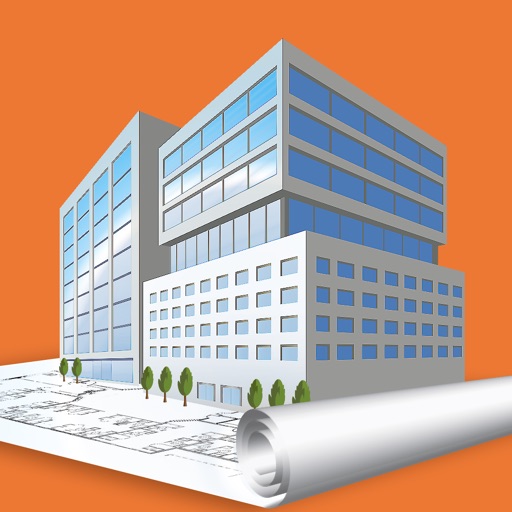
Create 2D floor plans and 3D models of spaces. Add furniture, choose textures, and customize layouts. Rearrange elements to visualize designs. Export plans and share with others.
Access detailed weapon statistics including tree structure, attack power, elements, and crafting materials. View monster loot, hit tables, and kinsect colors. Track item crafting tables and acquisition methods.
Build and customize houses in . Create shelters for mining, sleeping, and exploration. Add interior designs and decorations. Access building tips and design ideas for creative layouts.