Play drum kits with a customizable drumpad layout. Choose from multiple drum sounds for different genres. Control song playback and adjust speed in real time. Mix sounds and adjust volume with a simple interface.
by MingChun Chien★ 4.478 ratingsMusicFreeData updated 2026-09-13
Record and edit drum tracks using multi-channel acoustic loops. Add tempo and dynamics. Export in various formats. Sync with other apps. Collaborate in real-time. Adjust timing and articulation. Layer drum sounds for complex rhythms.
Create and play drum patterns using touch-based percussion instruments. Adjust tempo and volume. Record and replay performances. Export audio files. Sync with other devices for collaborative sessions.
Drums lets users select from three drummers with distinct styles. Adjust jam level and intensity using a 2D slider. Save mixer and effects settings for each sound bank. Toggle ride/hats and cross stick/snare options.
Play and various instrument sounds. Record songs while playing. Adjust keyboard size in 6 levels. Use 8 different and instrument tones. Scroll smoothly during performance.
Play with a full 88-key keyboard and haptic feedback. Use multi-touch for chords and dynamics. Access 50+ instrument tones. Learn through interactive practice. Control via widgets without launching the .
The app allows users to compose music scores with various symbols and multiple tracks. It supports different instruments, transposing instruments, and playback.
Access a wide range of tracks from various genres and artists. Search and filter to find preferred backing . Use high-quality kits for practice or performance. Offline access ensures reliable playback without internet.
The app helps users tune drums with precision, develop tuning skills, and achieve a selected sound for their kit. It offers features like a lug tuner, drum kit interval tuner, and a click track with a metronome.
Create ringtones by extracting song highlights and customizing duration. Adjust volume and apply fade in/out effects. Merge music segments and set as call, alarm, or notification sounds. Support MP3, AAC, M4R formats.
Create tracks using AI-generated melodies and beats. Choose from various genres and styles. Add instrumental layers and adjust tempo. Export songs in multiple formats and share directly.
Create and practice guitar or bass rhythms with loops in funk, rock, reggae, and blues styles. Adjust playback speed for tempo matching. Loop continuously for uninterrupted practice.
Edit audio files by reversing playback. Adjust pitch and time stretch audio. Access pro features like equalizer, delay, and reverb. Save and share modified audio files.
Create ringtones from songs in your library or choose from built-in options. Assign different ringtones to contacts for easy identification. Trim audio to desired length, adjust volume, and apply fade effects.
Create and customize beats using a built-in drum synth. Import or select from numerous WAVs and loops. Access classic drum sounds and patterns. Integrate with plugin ecosystems for expanded creative options.
Play sound effects of firearms and . Choose from machine , shotguns, and various explosion types. Adjust volume and playback speed. Save and share selected sounds. Integrate with video editing software.
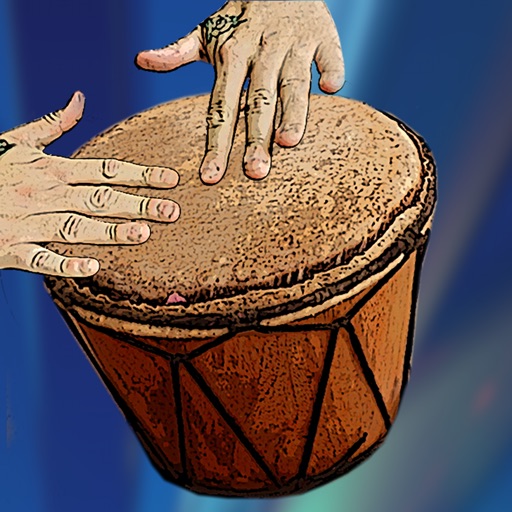
Play , quintos, tumba, requinto, super tumba, or bongos with adjustable drum configurations. Access 27 unique pocket beats and loops. Use metronome with 18 different sounds. Play solo or with 16 pre-set bass, hi-hat, or snare loops.
Create original songs by typing prompts for AI-generated lyrics, vocals, and instrumentals. Choose custom AI models for specific genres or styles. Export tracks in multiple audio formats and share directly.
Play and learn percussion with virtual and bongos. Tap to strike drums, adjust volume, and follow video lessons. Access loops in various music styles to practice and play along. Track progress and replay lessons for improvement.