Apps Like Overlay - Figure Drawing Tool for iPhone and iPad
Capture reference images, , draw accurately
Capture reference images or models and use them as overlays in the camera view for comparison. Adjust positioning to align drawings with references. drawings on references for accuracy checks.
by Derek Dawson★ 4.416 ratingsPhoto & VideoFreeData updated 2026-09-13
Create by painting individual pixels. Adjust canvas size, select colors, and customize border settings. Erase, undo, and resize drawings. Save artwork to gallery and storage. Share completed pieces others.
Create 3D scenes with multiple characters or simple shapes to visualize sketch outlines. Generate storyboards via screenshots or frame comic book illustrations. Adjust light and perspective for anatomically accurate figures.
Create movies by combining videos, photos, music, text, recordings, and finger drawings. Add transitions, effects, and captions. Export and share finished projects directly.
Turn photos into drawings, cartoons, or sketches with one click. Apply 19 effects with full control. Save creations and share via Facebook, Twitter, Flickr, Tumblr, and Email.
Convert photos to black and white drawings for . Import photos from device or camera. Add colors using painting tools. Create drawings on blank canvas. Premium version offers more paint colors, opacity control, and outline editing. Removes ads.
Generate images from text descriptions using an AI model. Adjust parameters to refine results. Upload existing images to use as a base for modifications. Edit generated images directly within the .
Convert photos into pencil sketches and artistic drawings using advanced drawing tools. Apply watercolor effects and customize filters. Save and share edited images in various formats.
Take photos of wall murals with the camera or select images from the gallery. Preview 3D models by swiping or pinching. Export 3D models in .stl format for 3D printing.
Create and customize photo collages with layout designs. Capture photos and videos using a DSLR camera. Share edited content directly or export in multiple formats. Add text, stickers, and filters to images.
The app allows users to create rapidly executed freehand drawings. These drawings can record observations, develop ideas, or demonstrate concepts for later use.
Create and edit celestial and landscape photos with advanced tools. Capture and adjust exposure, color, and composition. Add overlays and effects. Share edited images directly from the .
Plus Apps Bilisim Teknolojileri Reklamcilik Limited Sirketi
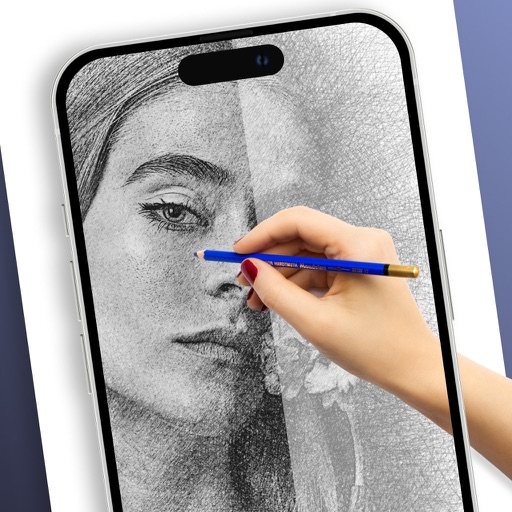
Sketches with AR technology
To sketches using AR technology. Choose from various categories to practice. Follow step-by-step instructions to improve techniques. and paint directly on the screen. View animated tutorials for guidance. Save and review your artwork.
Compare selfies to find matches across multiple categories. Upload a photo and analyze facial features for a likeness score. View results with images for comparison. Share findings directly from the .
Pollux Bilisim Teknolojileri Sanayi ve Ticaret Limited Sirketi
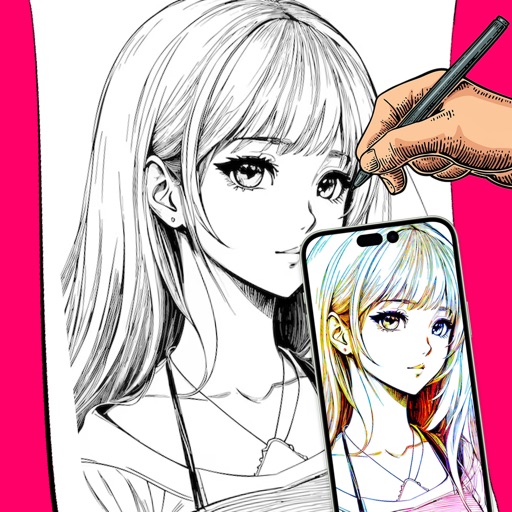
Sketch on photos with AR
Use AR to sketch and draw on photos with realistic ink effects. outlines or create pencil sketches from images. Convert photos into artistic drawings with AI-powered tools. Save and share finished artwork directly.
Connect with others to draw in real time. Create and share drawings instantly. Customize canvas with background photos. Place artwork on lock screen. Start sessions without accounts or personal data.
Draw on a using colored chalks with optional texture. Create unlimited blackboards with adjustable brush sizes and four background styles. Share drawings to Instagram.