The app provides step-by-step drawing lessons for various subjects like animals, cartoons, and anime. It also includes coloring pages with an online catalog for users to paint images.
Teaches drawing through step-by-step voice guidance. Allows toddlers to create drawings and animate them. Includes interactive scenes and talking characters for engagement. Enables coloring and drawing on a virtual canvas.
Create frame-by-frame animations using drawing tools. Share animations with a community. Participate in themed contests. Export animations in multiple formats. Sync with flipbook style playback. Collaborate with other creators.
The app provides a blank canvas for children to paint with random brush sizes and colors. Users can set the background color, use photos as backgrounds, and access unlimited undo functionality.
Take selfies with real-time beautifying filters. Adjust skin tone and appearance using specialized filters. Swipe to switch between different filter options. Share edited selfies directly.
Convert photos into pencil sketches and artistic drawings using advanced drawing tools. Apply watercolor effects and customize filters. Save and share edited images in various formats.
Select presets from brands like Prismacolor and Faber Castell. Import reference images to begin color picking. Choose from predefined sets including 150s, 132s, 72s, and 48s.
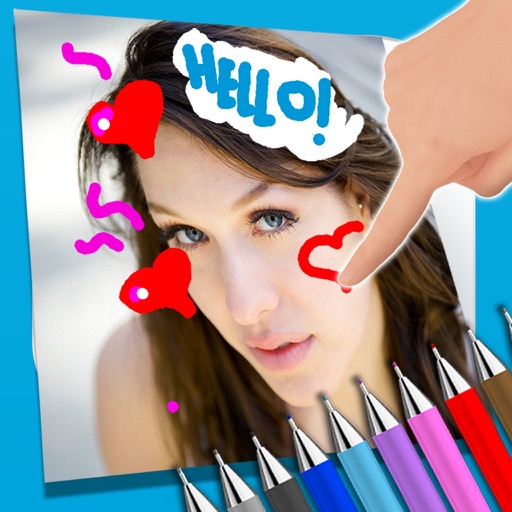
The app allows users to write notes and draw on images using a photo and text editor. Users can select from three pencil types and various colors, change backgrounds, and add captions to photos.