Apps Like Chart & Graph Maker - GraPho for iPhone and iPad
Create pie, bar, and line graphs quickly
Create Pie, Bar, and Line graphs with simple data input. Customize titles, colors, and labels. Save images to device or share on social media. Edit past charts using built-in history. All core features are free to use.
by AppSeed, Incorporated.★ 4.0165 ratingsEntertainmentFreeData updated 2026-09-13
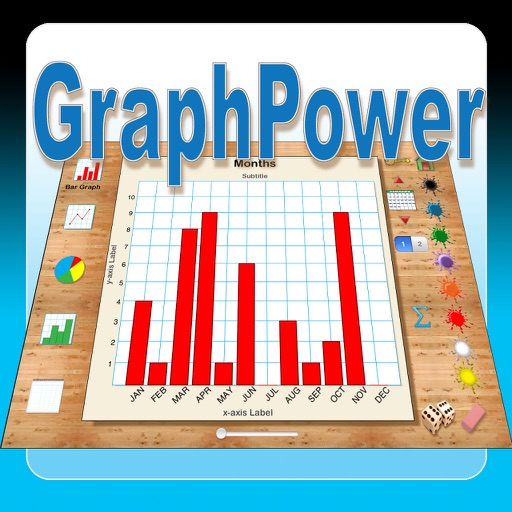
The app offers an educational tool for data analysis and graph interpretation. Students can create bar graphs, line graphs, circle graphs, and histograms on their iPads, with options for titles, labels, and scales.
View daily schedules in a 24- pie graph. Select from 24 color patterns. Receive notifications for events. Save multiple schedules and switch between weekly days. Export schedule parts as images.
The app provides live scores and odds for NFL, NBA, and MLB games. It includes features like an odds comparison tool, betting trends, player props, and line movement graphs.
Download and upload speeds for WiFi and mobile networks. Measure ping and jitter for latency. View real-time connection graphs. Track past results with detailed charts and averages. Troubleshoot or verify ISP-provided claims.
Solve problems by taking photos of typed or handwritten equations. Receive step-by-step solutions with explanations. Check homework and study for exams. Access 24/7 assistance.
Track behaviors, goal progress, and interventions with customizable modules. Use momentary time samples, frequency counters, duration timers, and interval timers. Share data and monitor progress across multiple users.
Track with single-touch activation. Log tasks, projects, studies, workouts, sleep, and child activities. View daily, weekly, and monthly statistics through diagrams and graphs. Manage usage and set activity goals.
The app tracks fuel, charging, services, repairs, and other fees for multiple vehicles. It calculates fuel and energy consumption, cost per mile, and provides reports on expenses.
Track with one-tap start/stop functionality. Log activities and view bar or pie charts for distribution. Set goals and monitor progress. Sync data across devices. Export reports and analyze productivity trends.
Monitor websites' search engine rankings for specific keywords using real Google Search results. Track Top 100 search results and view Alexa data and backlinks. Sort keywords by ranking, alphabetically, or manually.
Track and count items with customizable counters. Create unlimited counters and organize them into groups. Set initial values, increment/decrement options, and personalize with names and colors. Switch between list and grid views.
Create visual charts from numerical data with minimal input. Automatically generate graphs and adjust settings for clarity. Export charts in various formats and integrate with other applications for data analysis.