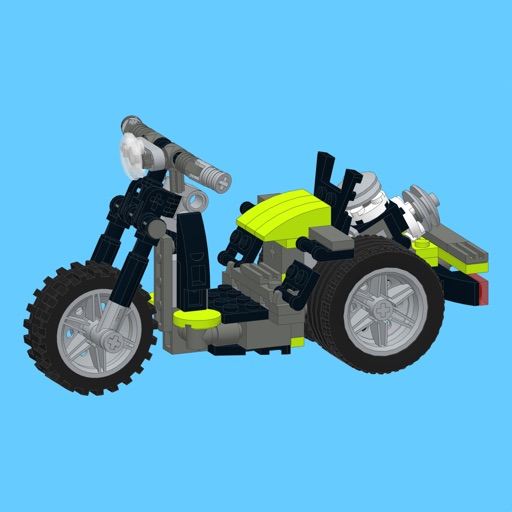
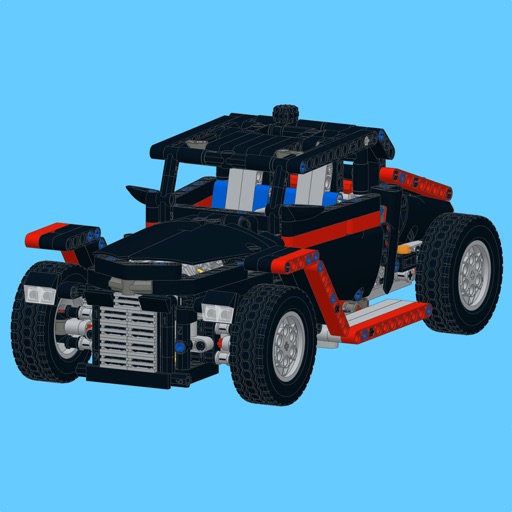
Control LEGO® devices via Bluetooth connection. Pair with Move Hub by activating Bluetooth on iOS device and pressing the green button. Monitor and manage LEGO builds remotely. Supports Powered Up and CONTROL+ Smart Hub.
by Shinichiro Oba★ 3.439 ratingsEntertainmentFreeData updated 2026-09-06
Access live 1-6 small-group classes with certified teachers. Choose from subjects like English storytelling and math. Participate in interactive activities and receive feedback. Track progress through structured curriculum and assessments.
Control your gaming device remotely using a Bluetooth gamepad. Customize virtual gamepad layouts. Stream games with low latency. Support for Bluetooth connections. games from anywhere. Adjust settings for optimal control.
Test controller response and speed using BLE connectivity. Simulate controller performance with built-in tests. a game to assess controller accuracy. Connect Xbox, PS, or MFi controllers.
Smart TVs and streaming devices with a phone . Select devices like Roku, Amazon Fire TV, Samsung, and LG. Adjust volume, change channels, and navigate menus. Pair with Wi-Fi or Bluetooth. Manage multiple devices from one interface.
Home entertainment systems via iOS or macOS devices. Adjust TV volume, change channels, and navigate menus. Switch between streaming services like Netflix and Disney+. Manage Hub settings and device connections.
Control stick via Bluetooth connection. Pair by pressing button twice and enabling Bluetooth on smartphone. Sync device to access lighting features and adjust settings through the .
Play a retro arcade game with enhanced graphics and improved gameplay. Use power-ups like Fire and Acid balls. Break unique brick types including Exploding and Metal bricks. Collect points by increasing ball speed.
Learn to code through interactive robot and mecha adventures. Navigate through six islands, control T-Rex mechas, and solve challenges. Earn rewards, track progress, and unlock new levels and characters.
Manage Bluetooth devices with intuitive setup guidance. Monitor battery level and connection status. Adjust equalizer settings and customize volume controls for personalized listening experience.
Control TV with functions, mouse, and keyboard. Automatically reconnect to previously paired devices. Share photos from phone to TV screen. Requires same Wi-Fi network connection.
Monitor and control camera settings remotely via smartphone. View live preview from compatible camera. Upload photos and videos to social media platforms. Adjust focus, exposure, and other shooting parameters.
Smart TVs and streaming devices with a swipe touchpad for navigation. Adjust volume, select channels, and manage playback. Pair devices via Wi-Fi or Bluetooth. Access shortcuts for frequently used functions.