Manage content, receive alerts, interact with support
Manage content, receive announcements, and interact with support. Create an account to set up a new . Access terms and privacy policies for usage guidelines.
by BV MOBILE APPS INC★ 4.867 ratingsProductivityFreeData updated 2026-09-13
View account balances and transaction history. Transfer funds between accounts. Pay bills and deposit checks via photo. Activate cash back offers. Receive security alerts and access account details securely.
Convert videos, LivePhotos, and GIFs to different formats. Edit and compress images for faster loading and smaller file sizes. Support dark mode for enhanced visibility. Share converted files directly.
Manage accounts, make deposits, and pay bills remotely. View transaction history and set up alerts. Transfer funds between accounts and access customer support through the .
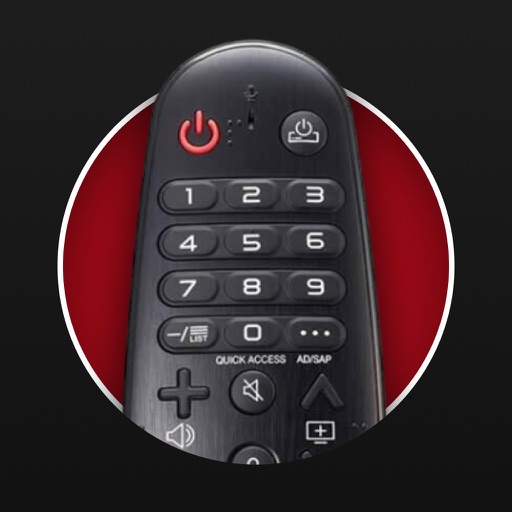
Control TV functions with button layout customization. Adjust volume, power, and input settings. Navigate menus and launch apps. Pair with multiple TVs and manage device connections.
Securely stream content and browse the internet with a fast connection. Access restricted content globally. Protect privacy by connecting to secure servers. Download content from multiple servers worldwide.
Check balances, view transactions, transfer funds, pay
Check balances and view transaction history. Deposit checks by photo. Transfer funds between accounts. Pay bills directly. Activate cash back offers. Find nearby ATMs. View account details and manage settings.
Manage accounts by adding, removing, and editing users. Assign permissions and monitor activity. View user groups and adjust settings. Track total users and groups on a dashboard. Perform administrative tasks with a clean, intuitive interface.
Plan your day with card-based task management. Create, prioritize, and organize tasks. Set due dates and reminders. Move cards between lists and mark tasks as complete. Sync across devices.
Secure your internet connection with end-to-end encryption. Access restricted content and bypass geo-blocks. Manage multiple servers and protocols. Enable automatic kill switch and DNS leak . Monitor data usage and set bandwidth limits.
Display content in windows for multitasking. View PDFs, texts, and documents in read mode. Preview photos and videos in media mode. Use timer functions for clock, countdown, and stopwatch. Switch between browser tabs and windows.
Securely connect to the internet with Norka VPN. Encrypt online traffic, hide IP address, and bypass geo-restrictions. Toggle kill switch, set server locations, and manage connection profiles. View usage data and access privacy policy.
Secure internet browsing with encrypted connections. Scan Wi-Fi networks for connected devices. Block malicious websites and track data usage. Manage connection settings and view network details.
Check balances, pay bills, and transfer funds between accounts. View transaction history and set up alerts. Deposit checks via photo and manage account settings. Lock or unlock accounts remotely. Receive customer support via phone.
Type in Nastaliq font on iPhone and iPad using Roman English . Auto-generate proper words as you type. Share messages on Facebook, WhatsApp, Instagram, Skype, Twitter, and other platforms.
Automates - by recording audio and generating formatted notes and summaries. Allows searching for key terms and topics. Provides live captions for accessibility. Ensures built-in privacy with no third-party sharing.
Secure your online world with . Encrypt internet traffic and hide IP address. Access blocked websites and bypass censorship. No registration required. Advanced features available with subscription.
Announces the current time in words on the hour, half-hour, and quarter-hour. It operates only during setup and respects the user's preferred 12-hour or 24-hour time format.