Apps Like IDSafe: ID & passport scanner for iPhone and iPad
Store documents, scan IDs, extract info
Store and organize personal documents digitally. Scan and extract information from ID cards, passports, driver’s licenses, and other identification. Access all documents in one place. Fill out forms without physical cards.
by Microblink Ltd★ 4.6251 ratingsBusinessFreeData updated 2026-09-13
Scan documents with an integrated scanner to create multi-page files. Export scans as PDF or JPEG. Fax documents internationally with a few taps. Store and manage scanned files within the .
Documents with automatic edge detection, trimming, and perspective correction. Convert to PDF, extract text, and translate content. Batch process files for efficient management.
View, annotate, and edit PDF documents. Sign forms and contracts. Print pages and share files. Fill out forms and review documents. No watermarks or page limits. Sync across devices.
Store and manage professional credentials securely. Upload licenses, certifications, and other documents. Set expiry alerts for each credential. Access files anytime and ensure compliance with regulatory requirements.
Documents, receipts, IDs, and books into high-quality PDFs. Save and share files securely. Edit scans with cropping and brightness adjustments. Organize and access scanned documents from your device.
Convert documents to JPG, PDF, or TXT formats. and save files directly from your iOS device. Share scanned documents via email or messaging. Recognize text in scanned images for easy viewing and editing.
Identify yourself securely and sign documents anytime
Identify yourself securely using digital ID documents stored in . Sign confidential documents remotely without appointments. Access ID cards, passports, and residence permits anytime.
Scan and save text documents in PG format. Group and edit files. Combine images into PDF. Share documents directly. Sign and store contracts, business cards, and receipts.
And edit documents with OCR technology. Capture multi-page documents, receipts, and business cards. Correct perspective and enhance image quality. Share or save scans directly.
Log in using fingerprint, face, or 6-digit passcode. Access government information like CPF details, HDB property info, and passport expiry date. View and customize data from multiple sources. Scan QR code to log in without entering credentials.
Scan documents quickly with high-quality image capture. Extract text using OCR for editing or translation. Export files as PDF, JPEG, or TXT via email, chat, or cloud. Add electronic signatures to forms and contracts.
Scan documents, photos, and ID cards to convert them into PDFs. Edit scanned files, adjust clarity, and save or share the documents directly. Export in PDF format and access saved files from the .
Scan documents and save as PDF, JPG, or TXT. Use OCR to extract text from images. Share scanned files directly. Convert scanned text into editable formats. Organize and manage scanned documents within the .
Scan documents to create editable PDFs. Edit , add comments, and secure files with encryption. Convert scanned images to searchable PDFs. Share and annotate documents directly. Export in multiple formats and sync across devices.
Upload documents for notarization. Complete identity verification. Schedule a virtual session. Receive a certified seal. Share notarized documents securely. Track document status in real time.
Convert paper to PDF and image files. Scan notes, sketches, and photos with high clarity. Save and share scanned files directly. Organize and view in a digital format.
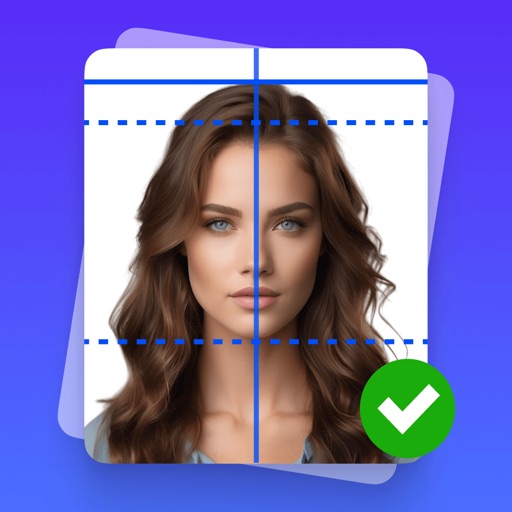
Create professional-quality ID photos for passports, visas, and other official documents. Select from various templates and guidelines. Adjust background, crop, and resize images. Save and share photos in multiple formats.
Capture documents and books with AI-powered scanning. Convert to PDF or JPEG. Extract text for editing and sharing. Edit and annotate PDFs. Share files directly from the .
Documents to convert them into PDF or JPG formats. Save and share scanned files directly. Track expenses by scanning receipts. Organize and manage documents digitally.
Convert documents to PDF, Word, TXT, or images. Scan and edit pages with OCR text extraction. Share files directly or save to cloud storage. Organize and annotate scanned documents. Export in multiple formats for easy use.