Control mixing, processing, and effects of X18/XR18/XR16/XR12 mixers via iPad. Adjust 18 input channels and 12 buses. Edit 4 stereo effects processors. Access routing, EQ, and dynamics settings. Save and recall mixer configurations.
Record and process audio in real time using microphone input. Apply studio-quality enhancements, excitation, and sweetening effects. Adjust parameters for depth, clarity, and tone. Export processed audio files.
Measure audio, adjust equalizers, set subwoofer phase
Perform room correction by measuring with sine sweeps or real-time pink noise. Average measurements or use moving mic measurements. Compare results to target curves and edit them. Generate equalization filters for PEQ or FIR.
Record and playback audio samples with a multi-octave on-screen keyboard or MIDI device. Save, load, and reverse samples. Loop samples in forward, reverse, or forward-reverse modes. Apply reverb, resonant filter, and sample rate/bit crusher effects.
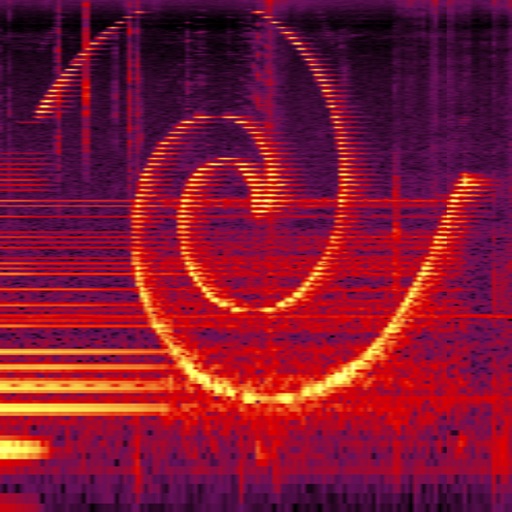
Perform real-time spectral analysis of sounds. View images with adjustable FFT-resolutions, frequency and amplitude scales, and color schemes. Save and share spectrograms. Access bode plot modes with averaging and maximum calculations.
Adjust audio signals with sixteen modes and resonance controls. Modify frequency response visually. Apply saturation for analog-style clipping. Blend wet and dry signals. Use a 4 pole lowpass mode for classic Moog ladder sound.
Send tips to musicians and creators using secure Stripe payments. View artist profiles, select tip amounts, and confirm transactions. Share tips directly from the without needing a wallet.
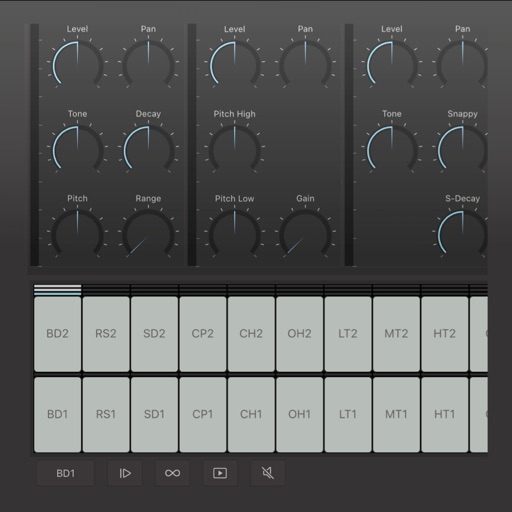
Create and edit drum patterns using 27 drum voices. Apply effects like delay, chorus, and reverb. Automate parameters and sequence 16-bar patterns. Save and load project files for later editing.
View the full festival schedule, lineup, and venue map. Save and share personalized schedule photos. Receive notifications for sets you want to attend. Explore 300+ bands, wrestling, and comedy acts. QR code for your ticket.