The app covers 3,000 kanji, including all levels from JLPT N5 to N1. It offers stroke-order diagrams, example words with audio, and three study modes: Study Kanji, Kanji Quiz, and Meaning Quiz.
The app allows users to draw and write on their iPad, functioning as a notepad or blackboard. Users can add typed text, choose background colors, and save or share their creations via email or social media.
Trace finger outlines to summon Banban monsters and battle. Summon creatures with precise drawing for stronger abilities. Battle in arena environments with varied types.
The app provides step-by-step drawing lessons for various subjects like animals, cartoons, and anime. It also includes coloring pages with an online catalog for users to paint images.
Create and animate drawings of characters like butterflies, frogs, and hedgehogs. Use drawing tools to sketch step by step. Watch creations animate and share drawings with others.
Solve by connecting dots with a single continuous . Avoid retracing steps and lifting your finger. Progress through increasing difficulty levels. Track completed and review solutions. Share achievements with friends.
Learn programming concepts through visual commands. shapes by instructing a turtle to move and turn. View programs and drawings side by side. Toggle full screen for larger drawing area. Adjust turtle movements to create complex designs.
Paths to guide characters , avoiding obstacles like holes and monsters. Collect coins to customize characters or houses. Progress through increasing difficulty levels with unique challenges.
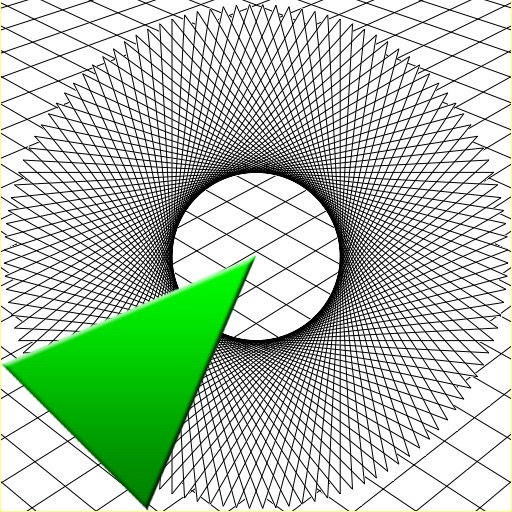
To create anamorphic drawings with animated step-by-step guidance. Follow each step by watching animations and replicating lines. Repeat steps as needed. View drawings from specific angles to see the final image.