Apps Like Learn how to Draw 3D for iPhone and iPad
With animated step-by-step guidance
To create anamorphic drawings with animated step-by-step guidance. Follow each step by watching animations and replicating lines. Repeat steps as needed. View drawings from specific angles to see the final image.
by ben massoud hamza★ 4.227 ratingsEducationFreeData updated 2026-09-12
And practice drawing pencil sketches on paper. Select and customize drawing tools. Follow guided tutorials to improve techniques. Save and review artwork progress. Adjust brush settings for different strokes. Share completed drawings digitally.
Draw and paint images using customizable color pencils, pastels, and brushes. Choose colors freely and adjust settings for precise control. Save artwork to camera roll and share via Facebook or Twitter.
Create drawings with a variety of colors and brushes. Select from pre-designed templates and characters. Add animations and sound effects. Save and share artwork directly.
Use your phone camera to draw on any surface. Access templates for animals, cars, and nature. Utilize the built-in flashlight for better visibility. Share completed drawings with friends. Create art using augmented reality technology.
On photos or backgrounds with customizable stencils for shapes and patterns. Use over 1400 stamps to decorate artwork. Apply smudge tool for textured effects without touching the screen. Save and share completed drawings directly.
Learn to with guided lessons, text, voice, and video instructions. Access 1000+ tutorials across all skill levels. Follow personalized learning paths. Use Apple Pencil for . Track progress with structured lessons.
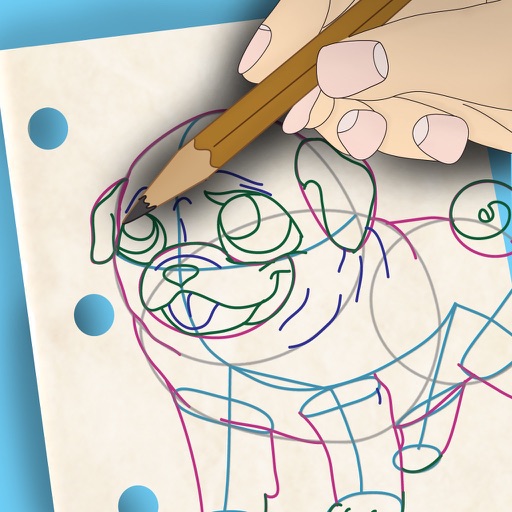
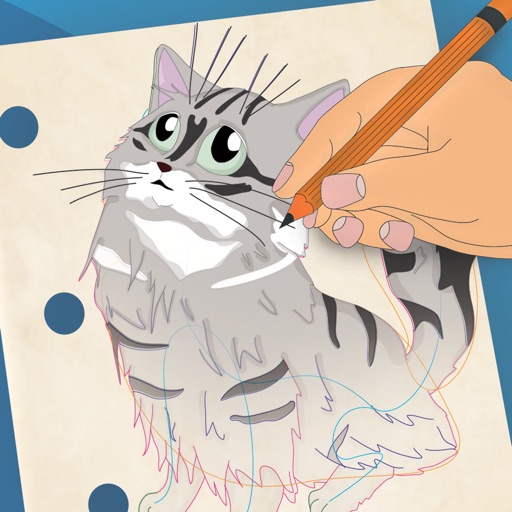
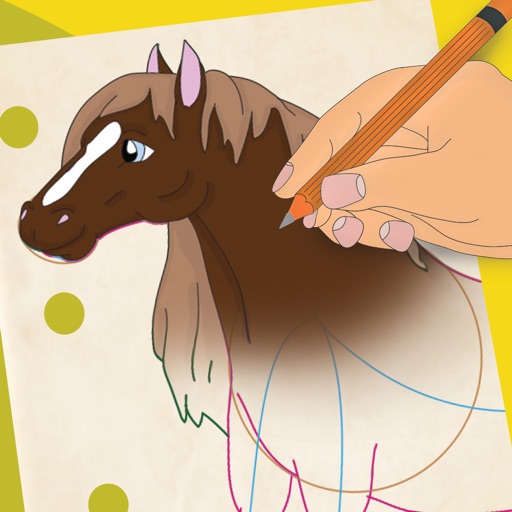
To draw with step-by-step visual guides that break down illustrations into simple steps. Choose from drawings of animals, characters, and vehicles. Draw on real paper while the device shows instructions.
Learn to 10 through 8 step-by-step lessons. Choose an animal, follow guided instructions, and create drawings anywhere. Save and share completed artwork.
On a virtual surface with finger or stylus input. Choose from various drawing tools and colors. Save and share creations directly. Supports touch and pen interaction for precise drawing.