Generate logos using AI by describing brand vision and selecting styles. Choose from multiple options. Edit colors, fonts, and layout. Export logos in various formats and share directly.
View and interact with 3D STL files. Rotate, zoom, and pan models using intuitive gestures. Inspect details with smooth 3D rendering. Open and explore jewelry designs, engineering models, and CAD files directly on iOS devices.
The app allows users to open and convert WMF and EMF files on Mac. It supports conversion to various vector and raster formats, including PDF, EPS, JPG, and PNG.
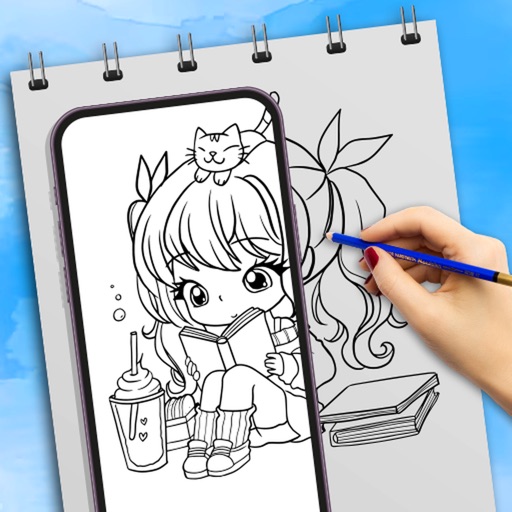
AR Camera Projection allows users to images onto paper using their phone's camera. 300+ templates provide a variety of sketching options. Users can adjust line weight and color. Export drawings in multiple formats and share directly.
Create 3D designs using LiDAR scanning and Smart Draw tools. Add furniture and decor from a library. View designs in augmented reality. Measure spaces and adjust layouts in real time. Export plans and share designs with others.
Add quick doodles, sketches, or notes to your home screen. Create comics, practice hand-lettering, or draw over images. Add text to widgets. Purchase a background image to customize the look.
Use camera to draw and paint in augmented reality. Access tracing templates for animals, cars, nature, food, anime, and more. Adjust brush size and color. Save and share artwork directly.
Create 3D models by drawing, sculpting, and shaping in immersive space. Use brushes, erasers, and shapes for detailed design. Apply materials with customizable textures and colors. Transform objects by rotating, scaling, and moving.