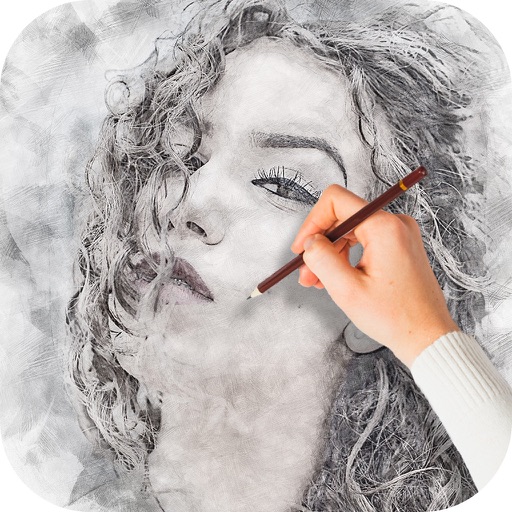
Edit photos with auto enhancement, artistic sketches, beautiful paintings, and funny cartoons. Apply 700+ filters and . Add frames and stickers. Share edited photos directly.
Create digital illustrations with painting, coloring, and drawing tools. Use multiple layers, customize brushes, and mix colors for precise control. Apply textures and save or share artwork directly.
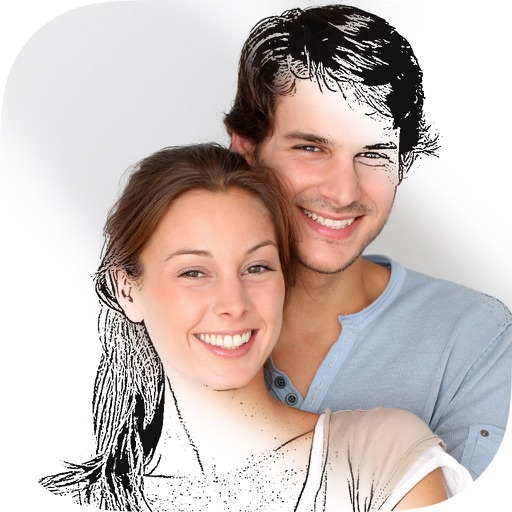
Convert photos into drawings, cartoons, or sketches with one click. Choose from various effects like black strokes, pastel, or halftone. Adjust edge strength, opacity, contrast, brightness, and saturation. Save the edited result.
Create custom mandalas with design tools. Apply photos to pages for personalized artwork. Access over 20 pre-designed templates. Save and share completed artwork. Adjust colors and patterns within the .
Create poster or template collages with up to 20 photos or videos. Add text to images or videos. Edit photos with filters, cropping, and adjustments. Enhance visuals with artistic text overlays. Export collages in multiple formats.
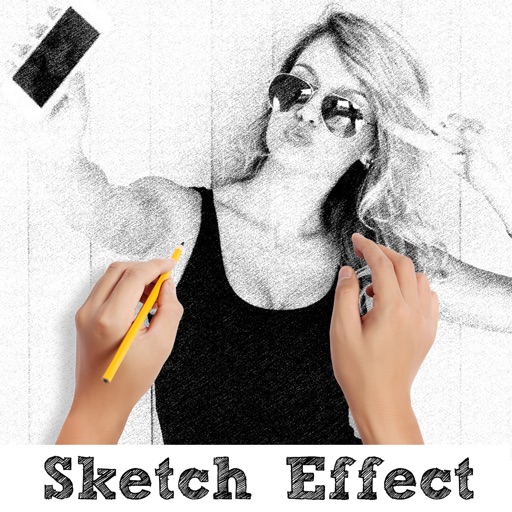
Create sketches from photos or camera captures with "," "Doodle," and "Hatch" styles. Adjust colors for black-white or vibrant results. Save images with a single tap. Share generated sketches directly.
On with precise tools. Add text, shapes, and stickers. Insert layers and blend images. Create collages with frames and stamps. Design custom stickers and share directly via iMessage or the .
Edit photos with one-click body reshaping and scene-adaptive optimization. Adjust parameters for precise control. Apply regularly updated filters. Enhance body proportions by identifying 30+ key points. Share edited images directly.
Create realistic artwork with pencil, brush, pen, and marker tools. Import images as layers and edit with eraser, ruler, compass, and other tools. Add stickers and use layer management for detailed painting and design.
Edit photos with crop, rotate, exposure, color, sharpness, and resize tools. Create grid collages and edit individual images. Access presets, clone tool, and fine curve adjustments for detailed edits. Export and share edited photos directly.
Edit photos by removing backgrounds from portraits and creating posters and wallpapers. Use cartoon face filters to transform appearances into webtoon-style characters. Choose from templates to enhance images and share them directly.
Create drawings with Apple Pencil support. Use grid or lined backgrounds. over existing images. Save square images. Add widgets to showcase drawings on the home screen. Enable multitasking and multi-window features on iPadOS.
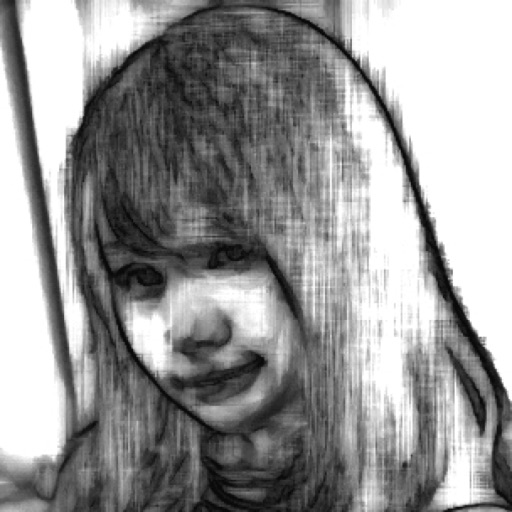
Convert photos into sketches using up to six different image effects. Apply filters, adjust contrast, and save or share the edited images. Export in various formats and view before-and-after comparisons.
Capture photos with light-field technology for DSLR-like quality. Adjust focus and aperture post-shoot. Create 3D lighting effects. Edit bokeh and make unlimited adjustments. Sync with other devices for seamless workflow.
Color images with 2D drawings and various tools including a bucket for filling areas. Explore daily updated collections of images. Share completed drawings via social media or email.