Take photos automatically at set intervals of 2, 5, 10, 20, or 30 seconds. Record slow-motion videos with image stabilization. Add or video widget for quick access. No ads during use.
by Johan Olsson★ 4.435 ratingsPhoto & VideoFreeData updated 2026-09-13
Record videos with a 4K and add clips to projects via widgets. Edit vlogs by trimming multiple clips to the same length. Create quick recaps, intros, and previews. Browse content from specific dates. Use AI tools to generate images.
The app offers video editing tools for creating professional quality videos. Users can fine-tune visual effects, adjust playback speed, stabilize footage, and add images and audio.
Capture moments with filters and cinematic effects
Capture photos with full manual controls over shutter speed, ISO, and white balance. Apply 35mm filters inspired by Kodak, Fuji, and Agfa. Use cinematic effects to enhance images and preserve memories as -style photographs.
Apply filters resembling imaging in real time. Capture photos with enhanced visual effects. Record videos using iOS screen recording. Adjust settings for filter intensity and exposure. Share edited content directly.
Capture high-speed bursts with up to 30 photos per second at 12MP. Save only the shots to the roll. Export timelapse videos and slideshows. Lock focus and exposure manually. Share photos and videos directly.
Capture motion blur and light trails using speed settings. Adjust exposure time, ISO, and focus manually. Import photos and apply creative effects. Share images directly from the .
Remote control four-axis aircraft via iOS device. View real-time video from the aircraft's camera over 2.4G WiFi. Capture photos and videos from the mobile phone. Enable Trajectory Flight mode. Use Voice Control mode for commands.
Record 360° videos in 5.8K resolution. Crop and frame sections of 360° footage. Share as HD video or immersive 360° video. Apply stabilization to reduce camera shake. Edit clips and export in multiple formats.
APPAS SOLUTIONS, SOCIETATEA CU RASPUNDERE LIMITATA
Capture photos and videos with zoom.
The app offers over 50 photo and video filters and effects, including glamor effects. It provides 32X digital zoom for photos and videos, with features like GPS location tagging, photo stabilization, and auto focus.
Take photos to create reminders with customizable notes and recurring options. Set reminder times and access them via a today widget. Share reminders and add them from any shareable image. Keep camera-roll organized with a clutter-free interface.
Create light with 11 shape options including heart, light, and star. Apply random by tapping the photo. Save edited images in high quality and share them directly.
Record using both front and back cameras simultaneously. Capture picture-in-picture footage with one camera. Save videos to the photo library for easy management, sharing, and deletion. Enable night mode for improved lighting.
Capture photos with automatic , date, GPS coordinates, and location stamps. Edit timestamps, add notes, and share photos with location details. Sync with maps for precise geotagging.
Search for free photos, cliparts, and video clips with a fast interface. Swipe through results and view images with zoom and pan. Download content for commercial use without attribution.
Create photos and videos using pre-designed templates. Add stickers and apply image effects. Choose from 37 themes. Combine videos with memes and popular audio tracks. Record and edit content with touch controls.
Convert photos and videos to art with 30+ styles and 10+ effects. Record art videos directly or apply the style to existing clips. Save results as videos, live photos, or gifs. Adjust settings to customize the pixelation effect.
Create slow motion and high videos with adjustable playback speeds. Flip videos left-right and modify sound pitch to match . Pro version allows custom ranges, preserves pitch, and saves as MP4, GIF, or Live Photo.
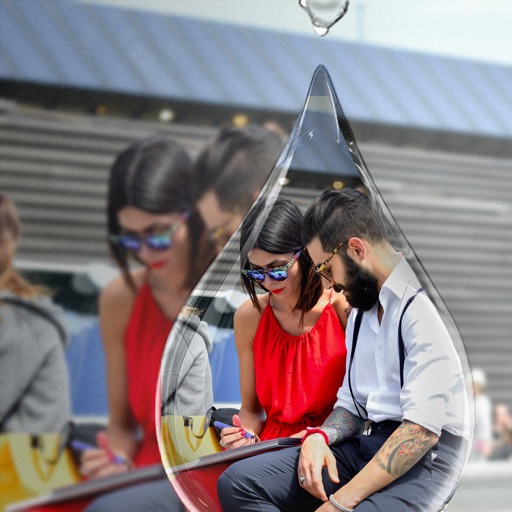
Edit photos with PIP frames, collages, and creative layouts. Add crystal bottle patterns and cartoon styles. Share edited photos directly to social media. Adjust brightness, contrast, and colors. Crop and rotate images.
Control and view the Action Sport via WiFi. Preview live video stream, take photos, and start or stop video recordings. Adjust settings remotely. Connect by enabling Wi-Fi on both devices and searching for the ’s signal.