
Monster Digital 1080p Camera
Stream live video, take photos, record videos
SDJ Technologies, Inc
iPhone Screenshots


Description
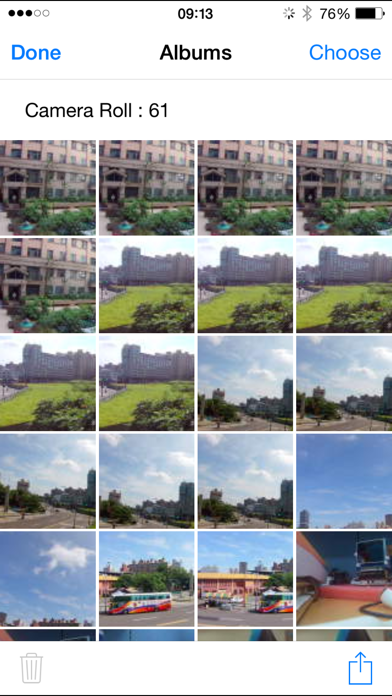
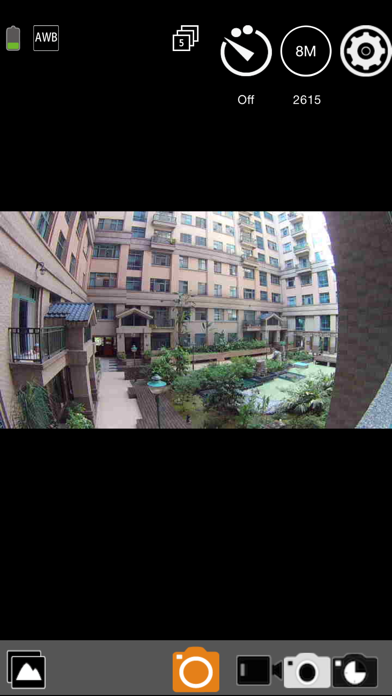
Control and view the Action Sport via WiFi. Preview live video stream, take photos, and start or stop video recordings. Adjust settings remotely. Connect by enabling Wi-Fi on both devices and searching for the ’s signal.
Control and view the Monster Digital 1080p Action Sport Camera via WiFi from your iPhone or iPad. View the live video stream, take pictures and start and stop video recordings. Many settings can also be controlled.
Connection procedure :
1. Turn ON Wi-Fi on both the iPhone/iPad and Camera
2. On the iPhone/iPad search for the camera’s WiFi signal and connect, the password is monsterdigital
3. After the Wi-Fi connection is made, launch the app
Features:
1. Preview streaming from the camera
2. Shutter control - In preview mode you can start and stop video and take photos
3. Take burst shots
4. Set the photo timer
5. Adjust video quality
6. Adjust Image size
7. Adjust white-balance setting
8. Format the camera’s SD card
9. View photo & video files
10. File management - download or delete files
11. Automatic time correction
12. Smoother preview streaming
13. Streaming video playback with audio
14. Inverted mode setting
15. Slow motion setting
16. Time lapse can be recorded as a video or photo file
17. Social network sharing
18. Change the camera WiFI name (SSID) & password (camera wifi must be on to work)
19. Date/Time stamp setting option in video mode
20. Playback time-lapsed and slow motion video