Send messages with cat stickers featuring a unique mouth design. Add stickers to conversations, customize placement, and share across platforms. Supports text and image overlays on stickers.
by MASANORI TEZUKA★ 4.33 ratingsStickersFreeData updated 2026-09-13
Attach stickers to messages for added fun. Choose from a variety of cute and humorous options. Customize size and position. Share stickers across platforms. Edit content before sending.
Create and send messages with Day themed stickers. Add stickers to photos or messages. Choose from a variety of designs to personalize greetings. Share decorated messages and photos with friends and family.
Sticker allows users to send and receive animated stickers. Features include 80 stickers featuring chefs in hats and seasonal accessories. Users can revoke approval with a Chef's Diss sticker.
Create and send stickers expressing a wide range of emotions. Choose from over 270 sticker options including kissy faces, skulls, and shrimp. Add stickers to photos, texts, and social media messages.
Add stickers from the "Liar!" to iMessage chats. Select stickers from a library featuring characters from the . Send stickers directly or place them anywhere in the chat by tapping and holding.
Add -themed stickers featuring hats, gear, sayings, and scoreboard numbers. Include emojis and San -themed designs. Share stickers in messaging apps to enhance conversations about .
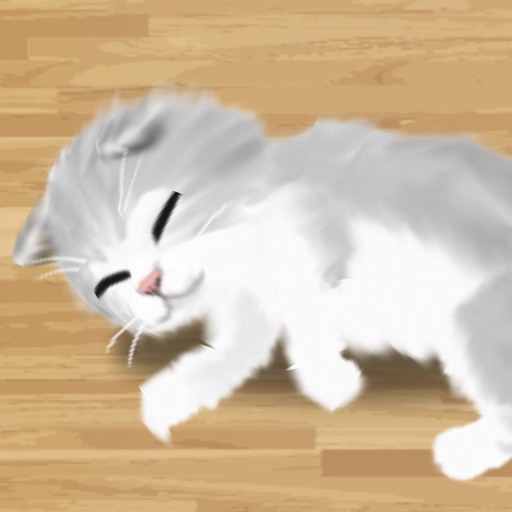
Care for virtual cats by feeding, cleaning, and playing with them. Decorate the room with furniture and add hats to cats. Raise up to nine cats. Observe cat behavior and relax through calming interactions.
Add -themed stickers to iMessages. Choose from ghosts, witches, and jack-o'-lanterns. Customize messages with spooky animations. Share stickers directly within conversations.
Browse and select from a variety of stickers to add to messages. Customize sticker packs with user-submitted phrases and expressions. Share stickers directly within chat conversations.
Send and receive animated stickers in iMessage. Choose from 120 high-quality animated stickers. Includes 40 free stickers; purchase for full access. Add stickers to conversations to express emotions. Share stickers with friends via iMessage.
Share stickers of in chat conversations. Customize sticker size for larger display. Add stickers to messages and conversations. Use sticker packs for themed messaging. Send stickers directly to contacts.
Use animated stickers of a and to add humor and personality to messages. Tap to select stickers, resize, and send directly to chats. Includes playful animations and sound effects.
Send stickers directly to messages by holding a sticker in the drawer until it appears. Choose from a variety of expressive characters and themes. Add new sticker packs in the future for expanded communication options.
Create and share custom stickers with friends and family. Choose from a large selection of stickers, add text or images, and save or send directly. Edit stickers with fun effects and share via messaging apps.
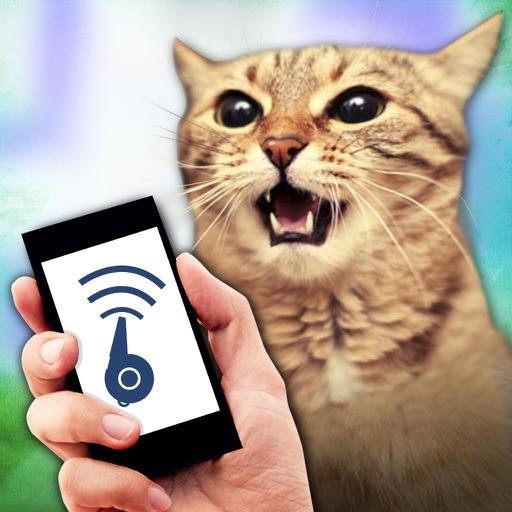
Simulate cat sounds to play pranks. Choose from various options. Share audio recordings with friends. Play interactive jokes for pets. Ensure no actual harm is caused during gameplay.
Add to message thread by tapping or dragging it onto the message area. Place on photos, other stickers, or anywhere in the conversation. Features include customizable placement and integration with messaging apps.
Add animated dinosaur stickers to messages. Customize sticker size and position. Choose from multiple dinosaur characters. Share stickers across platforms. Rate stickers within the .
Access and apply cat stickers to photos or messages. Choose from various cat designs including lying cats, funny cats, and cute kittens. Customize sticker size and position. Share sticker-edited content directly.
Use stickers featuring cute Inu dogs. Add them to iMessage conversations by accessing the stickers section within the Messages . Tap the sticker icon to select and send. Manage sticker availability through the iMessage store settings.