Real-time maps and GPS locations. Access satellite imagery and 360-degree views for global exploration. Navigate streets with turn-by-turn directions. Track current location and update maps in real time.
Track location, speed, and altitude with real-time GPS data. Use a digital compass for direction. Access weather information and tag locations. Share coordinates and view maps.
Without internet access using detailed global maps. Download and view maps for any location worldwide. Get turn-by-turn directions without tracking location or usage. Sync with devices for travel.
Track trips with real-time maps and directions. Customize settings for accurate metering. Record and export trip history with sorting options. Charge passengers for rides and manage multiple trips.
Track routes for hiking, running, cycling, and other activities with GPS. View recorded paths on maps. Save favorite locations for quick access. Measure distance, speed, and elevation. Export data in various formats.
Provide real-time turn-by-turn with updates. Plan routes and view alternative options. Adjust settings for preferred roads or avoid tolls. Share locations and receive directions via voice or map. Sync with devices for offline use.
Display directions and current location data. View altitude, barometric pressure, and coordinate details. Navigate using coordinates and save location bookmarks. Track sunrise and sunset times. Show solar elevation and azimuth angles.
View real-time bus arrival times and stop information. Tap stop numbers for next bus details or route numbers for trip info. Activate voice announcements for upcoming stops. Access trip and stop data on a map.
Navigate using precise latitude and longitude coordinates. View real-time sunset and sunrise times. Use integrated flashlight to illuminate paths. Track location for outdoor activities.
Navigate to destinations with turn-by-turn directions. Access real-time weather radar for current location. Integrate with CarPlay for in-car navigation. Search for destinations and view updated weather during trips.
Navigate college campuses by searching for buildings and locations. Add campuses and locations manually. Rate locations for accuracy. Earn FMCPoints and compete on a leaderboard for contributing content.
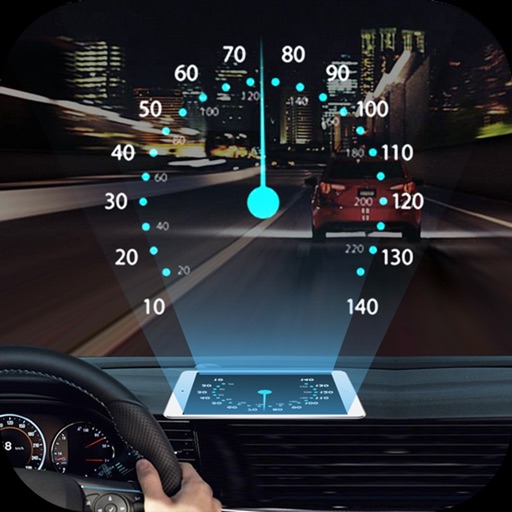
Projects speed, clock, weather temperature, cruise control, and now playing song information onto the windshield when iPhone is rotated and placed near the windshield. Displays data in landscape mode for easier visibility while driving.
Navigation allows users to plan trips and navigate without cellular service. View and edit maps based on OpenStreetMap data. Search waypoints and save locations offline. Track routes and share maps. Prioritize privacy with no user identification.
The app displays up to six chosen locations simultaneously. Users can view the direction and distance to each selected place on a compass and check their coordinates.
Track speed, distance, elevation gain, and calorie consumption during rides. View real-time progress and set training goals. Sync data with smartphone or ROX GPS Bike Computer. Share achievements with friends or social media.