Create flyers, logos, and graphics with customizable templates and icons. Edit designs with professional tools. Upload or use images from a library. Export files for print or online publishing.
The app joins photos vertically, horizontally, or in 2D by blending or abutting them. Users can edit individual photos or the blend output in the image editor, supporting up to 16 photos.
Create and edit images using AI-generated art and editing tools. Transform text into images with AI. Adjust colors, crop, and apply filters. Save and share edited images directly.
Edit photos and videos with transitions, special effects, text animations, and filters. Sync content to trending music. Use pre-made templates. Share directly to TikTok, Instagram, Snapchat, and YouTube.
Edit photos by applying filters and adding eye effects. Choose from multiple eye styles and import images from the camera roll. Share edited photos on social media platforms like WhatsApp, Facebook, and Twitter.
Create social media posts, flyers, collages, logos, and wallpapers with drag-and-drop tools. Use pre-designed templates for Instagram, Facebook, and phone wallpapers. Add text, images, and graphics.
Create text designs with advanced typography tools. Choose fonts, adjust spacing, and align text for balanced layouts. Export as images or share directly. No design skills required.
Edit photos with AI cartoon filters, -to-sketch conversion, and mosaic art creation. Remove backgrounds, add drip art, and create collages. Save and share edited images directly.
Create image compositions with layers, shapes, and text. Edit photos with touch-up tools and painting features. Add filters and adjustments. Export in various formats and share directly.
Edit photos with AI-powered background removal and replacement. Choose transparent, white, or custom scene backgrounds. Generate realistic shadows and adjust lighting. Export in high-quality formats and share directly.
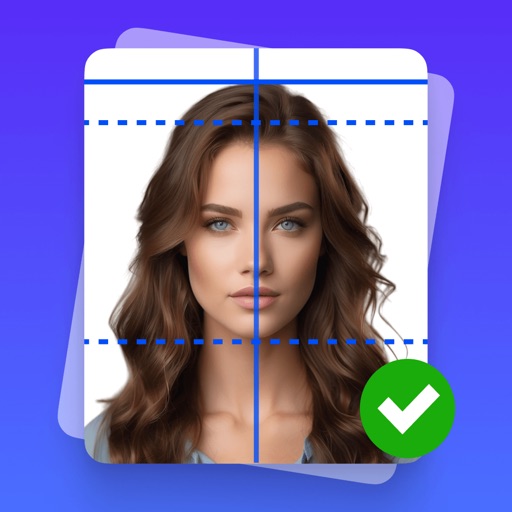
Create professional-quality ID photos for passports, visas, and other official documents. Select from various templates and guidelines. Adjust background, crop, and resize images. Save and share photos in multiple formats.
Create layered collages by combining images with one click. Add special effects to draw or erase . Apply filters and frames to enhance visuals. Share finished blends directly to Instagram.
Capture photos with controls including shutter, ISO, and white balance adjustments. Edit images using film-emulating presets, RAW processing, and advanced color settings. Export photos in high-quality formats and share directly.