Take photos with high-resolution settings. Apply 40 free filters, including a popular pink filter. Edit images with color adjustments and effects. Add creative accents to photos. Share edited photos directly from the .
by Masanari Takigawa★ 4.4106 ratingsPhoto & VideoFreeData updated 2026-09-12
Edit photos with crop and rotate tools using templates. Apply LUT to change the mood. Adjust colors with color curves. Add blur in various styles. Use basic tools for contrast, brightness, and vignette.
Track sun and moon positions on a live map for golden hour, blue hour, sunrise, and sunset planning. Calculate ND filters, depth of field, motion blur, and exposure settings. Plan timelapses and estimate print quality from pixel data.
The app is a photo editor that allows users to enhance pictures, apply effects, add stickers, and draw on photos. It offers tools for adjusting brightness, contrast, saturation, and includes features like red-eye removal and smile whitening.
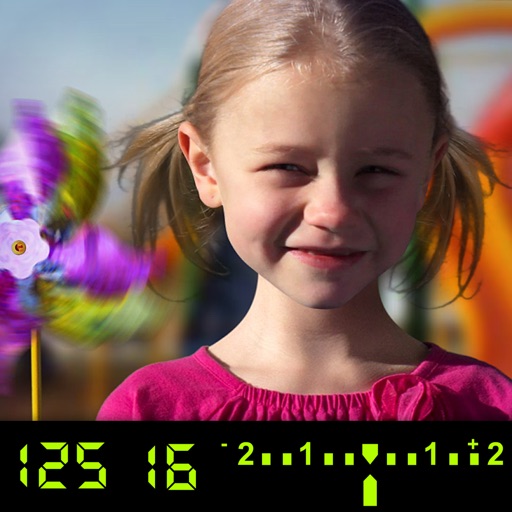
The app visually explains DSLR camera controls. Users can experiment with settings and see the effects on a sample image, receiving feedback on their choices.