Take photos with high-resolution settings. Apply 40 free filters, including a popular pink filter. Edit images with color adjustments and effects. Add creative accents to photos. Share edited photos directly from the .
by Masanari Takigawa★ 4.4106 ratingsPhoto & VideoFreeData updated 2026-09-12
Edit photos using AI-generated filters based on text prompts. Transform selfies and images with unique styles and magical effects. Apply AI-powered enhancements without complex tools or sliders. Share edited photos directly from the .
Take photos with automatic or manual filter selection. Apply over 20 filters. Share images on Instagram, Facebook, SNS, and Line. Capture styled photos with built-in filters.
Edit photos with customizable HDR settings including effects, brightness, contrast, temperature, and hue/saturation. Capture high-resolution HDR photos in one click. View and manage HDR images in a dedicated gallery.
Edit photos with enhancement tools, effects, and frames. Add stickers and overlays. Crop, rotate, and adjust brightness, contrast, and saturation. Remove blemishes and red eye. Apply color splash and sharpen or blur images.
Create collages by arranging multiple photos into a single square layout. Adjust brightness, contrast, and white balance. Crop, rotate, and apply filters.
Create collages by adding photos from the library or camera. Choose from multiple frames like heart, round, and star. Adjust photos by moving, pinching, and rotating. Select different backgrounds or use a photo as the background.
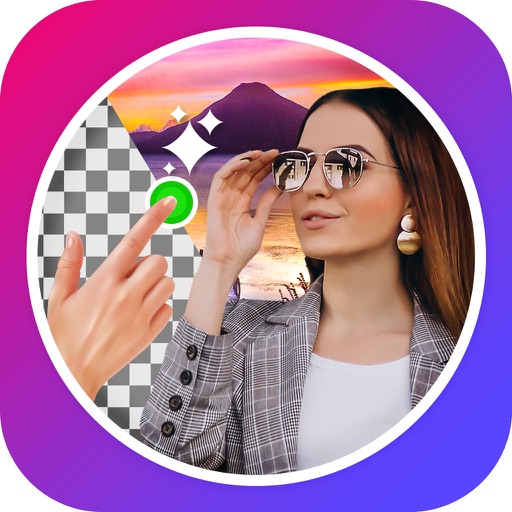
Edit images to remove backgrounds using AI. Cut out objects and replace them with new backgrounds. Adjust edges for smooth transitions. Share edited images directly.