Take photos with high-resolution settings. Apply 40 free filters, including a popular pink filter. Edit images with color adjustments and effects. Add creative accents to photos. Share edited photos directly from the .
by Masanari Takigawa★ 4.4106 ratingsPhoto & VideoFreeData updated 2026-09-12
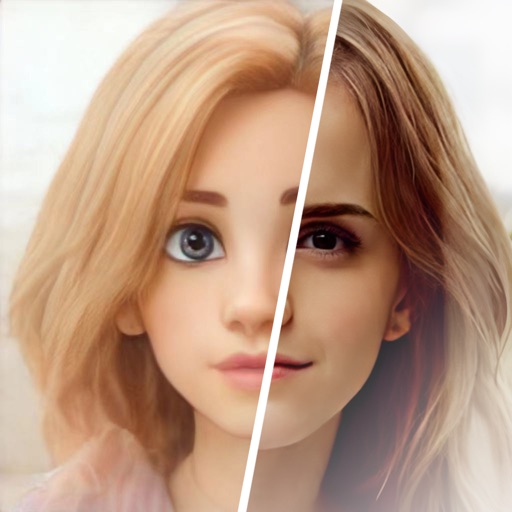
Edit photos with cartoon filters, AI-generated toon effects, and anime styles. Convert selfies into AI characters or 3D images. Adjust hair color and style with virtual salon tools. Export and share edited photos in various formats.
Edit photos with , oil painting, art, dream, sketch, magic, anime, and comic filters. Apply effects to selfies or images. Save and share edited photos directly.
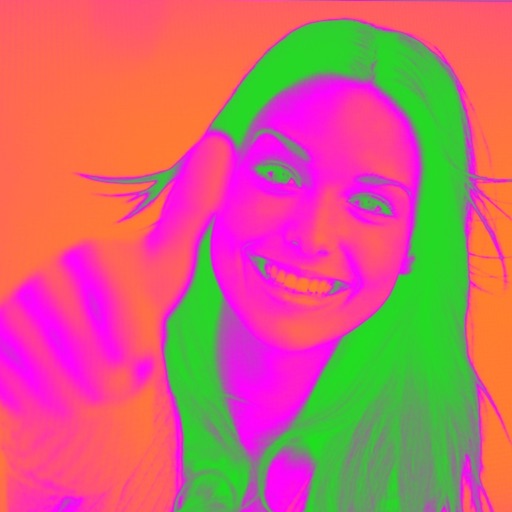
Turn your camera into a creative tool with . Apply fluorescent color filters to photos. Choose from 30 color combinations. Tap to switch views and capture images with unique color effects. Share edited photos directly.
The app offers a complete time-lapse workflow on the go. It allows users to define capture sessions, record in 4K or HD, and capture RAW or JPEG photos with smart exposure to prevent flicker.
Edit photos to improve clarity and sharpness using AI technology. Remove blurriness and enhance image quality. Adjust brightness, contrast, and color. Save and share edited photos directly.
Crop and trim clips, split or duplicate segments. Adjust position, rotate, or flip. Apply filters and customize background color. Merge videos and change playback speed for slow or fast motion.
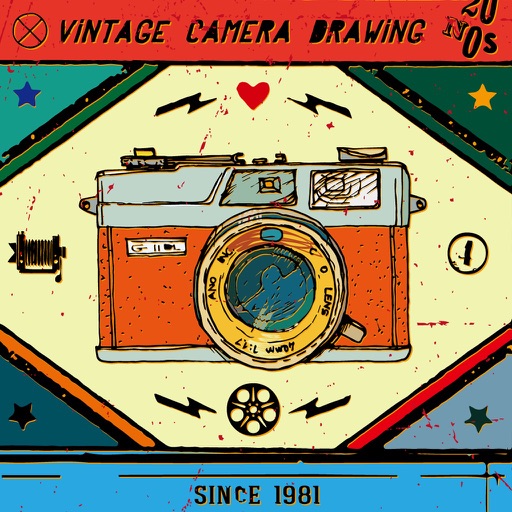
Capture photos with a vintage camera style, mimicking Fuji, Hasselblad, and Ricoh colors with visible grain. Retouch images using HSL adjustments, curve controls, defogging, and photo framing tools. Export edited photos directly.
Take selfies with adjustable angles based on the golden ratio. Choose from normal, good, and excellent angle assessments. Apply filters for colored effects. Use a timer function and 8x zoom with auto focus.
The app offers layer-based photo editing with unlimited layers. Users can add textures, typography, artwork, masks, and adjustments to personalize images.
The app offers a dedicated editor for time-lapse sequences with frame-level editing and framing capabilities. It supports RAW photo capture and 4K video recording, with smart exposure to prevent flicker.
Edit photos with skin smoothing, blemish removal, and tone adjustment. Resize body parts, whiten teeth, and change hair or eye color. Apply makeup, add filters, and adjust lighting. Save and share edited images directly.
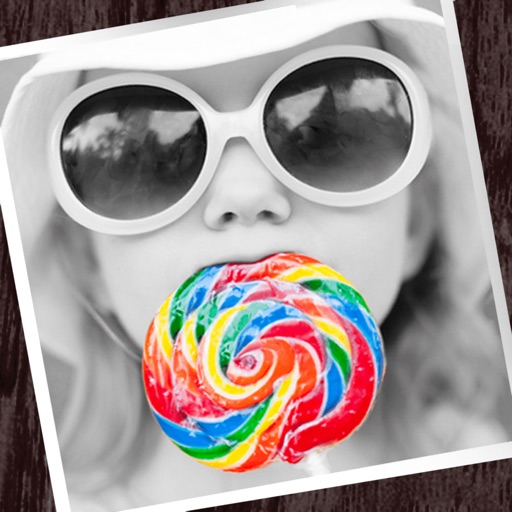
The app allows users to apply monochrome filters and effects to specific parts of an image by rubbing with a finger. Users can also reduce or enlarge images using a pinch gesture.