Apps Like Cut and Paste – Photo Editor for iPhone and iPad
Edit photos, erase objects, change backgrounds
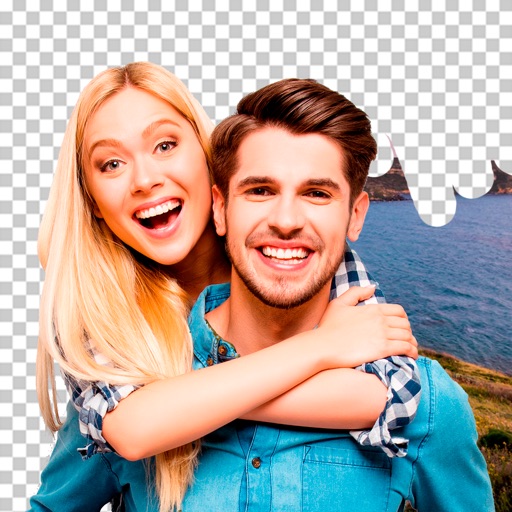
Edit photos by removing objects and changing backgrounds. elements to create montages. Adjust transparency and replace backgrounds. Save and share edited images directly.
by Maria Gascon★ 1.01 ratingsPhoto & VideoFreeData updated 2026-09-12
Edit images by cutting out unwanted areas with the lasso tool. Use the magnifier and eraser for precise adjustments. Revert changes and undo errors. Zoom, rotate, and move the foreground. Search Flickr for backgrounds or upload your own.
Photos with clipping tools to remove backgrounds, apply predefined effects like glitch and duotone, and enhance images with magazine-level touch-ups. Add text, stickers, and unlimited undo/redo features.
Edit photos with background erasing and replacement. Remove backgrounds automatically or manually using AI. Replace backgrounds with custom images, colors, gradients, or textures. Adjust and enhance images with precise editing tools.
Cut out objects from photos using automatic and manual tools including lasso, instant alpha, and eraser. Refine hair and edges for detailed results. Change backgrounds and apply effects to edited images.
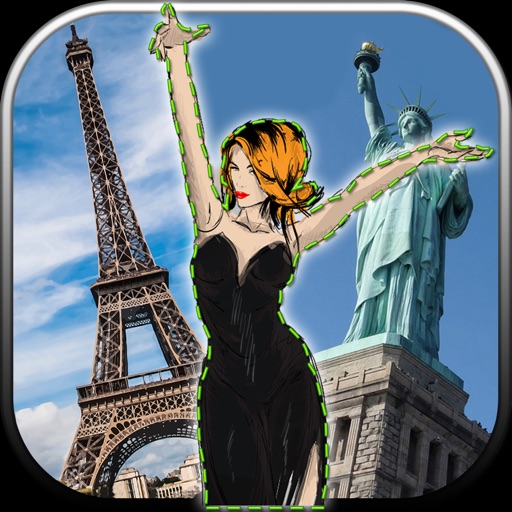
Edit photos by removing unwanted backgrounds and replacing them with scenic images. Cut out subjects and paste them onto new backgrounds. images for seamless montages. Share edited photos directly.
Edit by cutting out subjects and pasting them onto chosen backgrounds. Adjust brightness, opacity, and shape. Add multiple and share creations on Instagram.
Edit photos with AI muscle enhancement, reshaping, and face retouching. Add beards and hairstyles. Remove backgrounds. Reconfigure faces with AI reface. Adjust muscles, arms, and chest. Export edited images.
Create collages with over 1000 layouts and customize with filters, frames, and text. Edit photos using cropping, adjustments, and stickers. Save and share edited images directly.
Remove backgrounds from images by drawing a closed curve. Automatically erase similar color areas for transparent results. Adjust brush size for precise edits. Pan, zoom, and rotate images.
Remove from images using AI-powered cutout. Select between "Star" mode for edge detection or "Auto" mode for pixel-based erasing. Save transparent images for use as stickers in other apps.
Edit photos with one-tap removal and object erasing. Apply creative effects, blur tools, and adjust details. Share edited images directly or save in various formats.
Edit photos with filters, effects, frames, and graphics. Add text and stickers. Share edited images directly. Apply custom overlays and adjust brightness, contrast, and saturation. Save and export in various formats.
Edit photos by cutting and pasting faces, removing backgrounds, and deleting unwanted people. Add missing faces to photos. Use the silhouette head tool to select and edit elements. Export edited images directly.
Create large tiled banners from photos for Instagram. Adjust size, add photos, and scale or move images. Save tiled banners to your album and upload to Instagram.
Edit photos by highlighting colors, removing or changing backgrounds, and blurring specific areas. Use healing and smoothing tools for precise adjustments. Create photo montages and export edited images directly.
Record videos and photos from the device camera or camera roll. Arrange and trim clips. Add text titles and captions. Apply styles and transitions. Export videos in various formats and share directly.