Apps Like Cut and Paste – Photo Editor for iPhone and iPad
Edit photos, erase objects, change backgrounds
Edit photos by removing objects and changing backgrounds. elements to create montages. Adjust transparency and replace backgrounds. Save and share edited images directly.
by Maria Gascon★ 1.01 ratingsPhoto & VideoFreeData updated 2026-09-12
Remove unwanted objects, text, or backgrounds from images or videos. Use finger gestures to select areas for deletion. Automatically blend removed sections with surrounding content for seamless results. Edit both static images and clips.
Merge multiple photos into a single artwork by selecting and combining image sections. Remove or re-add parts using finger painting techniques. Adjust brush settings for precision.
Merge photos into artistic compositions by selectively editing and combining image elements. Remove or re-add parts using finger painting techniques. Adjust brush settings for precise control.
Edit photos with neon, shadow, and synthetic effects. Adjust brightness, contrast, and color. Add text, stickers, and transparency. Apply blur, cartoon processing, and halftone patterns. Invert colors and use copy-paste tools.
Edit photos with one-tap auto enhance and apply hundreds of filters and . Add stickers, frames, and text. Adjust brightness, contrast, color temperature, and saturation. Crop, rotate, and straighten images. Sharpen or blur details.
Create freestyle collages with customizable layouts and postcard templates. Edit with advanced tools, apply multiple effects, and use beauty editing for men and women. Add stickers, labels, and export high-resolution images.
Edit photos with one-tap AI magic for enhanced details and clarity. Remove duplicates and clutter using smart cleanup tools. Organize and manage media with a virtual cat companion that tracks progress.
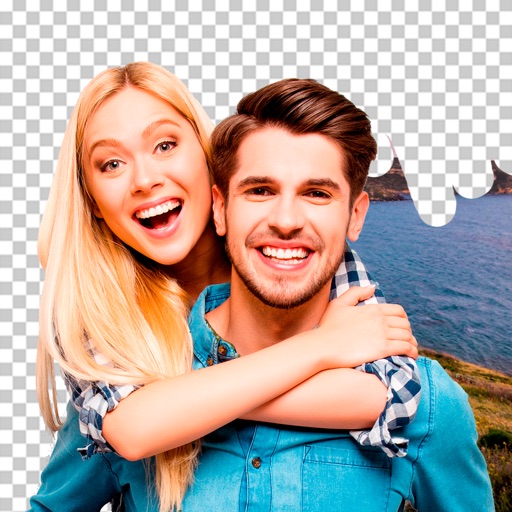
Remove backgrounds using advanced tools like lasso cut out, erase, and unerase. Replace backgrounds with custom images or search for available options. Adjust image position, zoom, rotate, and crop for precise placement.
Edit photos with 100+ presets and trending filters. Apply drip art, neon, and spiral frame effects. Add typo text and customize image sizes for social sharing. Use AI-powered background eraser and blend tools.
Edit photos with AI cartoon filters, -to-sketch conversion, and mosaic art creation. Remove backgrounds, add drip art, and create collages. Save and share edited images directly.
Edit photos with depth-based bokeh effect for professional portrait blur. Restore old or damaged images with enhanced clarity. Remove unwanted objects from photos. Adjust colors, brightness, and contrast. Export edited photos in various formats.
Edit photos by selecting images from the library and using an adjustable brush tool to mark areas for removal. The employs inpainting algorithms to seamlessly eliminate unwanted elements and blend the background.
Photo backgrounds using AI-powered object recognition and automatic cutting. Edit images to create transparent backgrounds. Erase objects or elements with realistic results. Save and share edited images directly.
Remove backgrounds from images using automatic or manual tools. Edit photos with removal, erasing, and recovery brushes. Save and share edited images directly.
Remove unwanted objects from photos using AI-powered erasing tools. Mark or tap objects to delete them. Replace or remove backgrounds with new ones. Automatically cut out objects with a tap. Undo or redo changes.