Light camera in real-time
志勇 马
Capture light trails with slow shutter
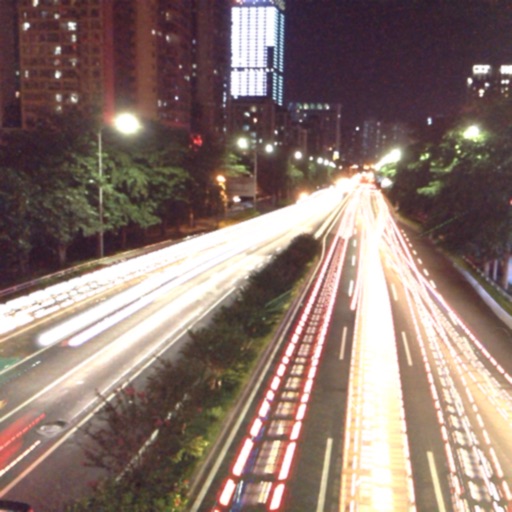
The app captures photos using slow shutter speed effects to create light trails and streams. Users can control exposure time and focus for motion blur photography.

Capture clear low- photos
Low allows users to adjust ISO settings for better image clarity in dim environments. Features include target zoom, manual focus, image freezing, and flashlight activation. Users can capture clearer photos in low conditions.
Showing 361–380 of 1,000 ranked alternatives.
志勇 马
Capture light trails with slow shutter
The app captures photos using slow shutter speed effects to create light trails and streams. Users can control exposure time and focus for motion blur photography.

KUPERTINO BIL. YAZ. HALIL IBRAHIM KARAHAN SAFFET ARSLAN MUSTAFA AYTEN MUHAMMET YALCIN OZDEMIR K. S.
Record videos and photos
Record photos and videos with palettes, night vision enhancements, and infrared moods. Adjust intensity and contrast to enhance visuals. Switch between , night vision, and infrared modes instantly.

Hamza Javed
Enhance photos, restore images, analyze faces
AI Photo improves blurry, old, or low-quality images using AI to remove blur and enhance details. Image restoration tools repair damaged photos. Facial analysis evaluates beauty with accuracy. Users can adjust brightness, contrast, and color.

Quiz Night Limited
Apply filters in real time
Turn your iPhone into a imaging tool. Apply real-time -style filters to photos and videos. Learn about and low-light technology through visual guides. Discover practical use cases like wildlife photography and safety demonstrations.


Eun Junseok
Enhance images with natural light.
The app processes images by magnifying received photons from natural light sources. Users can apply this filter to photos or camera images, not in real-time, to enhance low-light visibility on iPhone.

sky-nexus Inc.
Capture photos and videos triple camera support
Take high-quality photos and videos using triple or dual camera support. Apply over 30 filters to enhance images. Switch between lenses automatically or manually. Adjust zoom up to 15x and switch resolutions. Lock focus and exposure for stable shots.

培屹 王
Capture photos and videos naturally
Edit photos with natural tone adjustments and remove over-sharpening. Capture Live Photos and Portrait Mode shots. Use film simulation with multiple recipes. Adjust manual settings for exposure, focus, and white balance.

涛 姚
Detect cameras and suspicious devices
Detect cameras and suspicious devices using magnetic field detection, infrared glint identification, and network security scans. Identify potential threats by scanning surroundings and analyzing wireless signals.
FMPROJECT
Capture photos and videos with filters
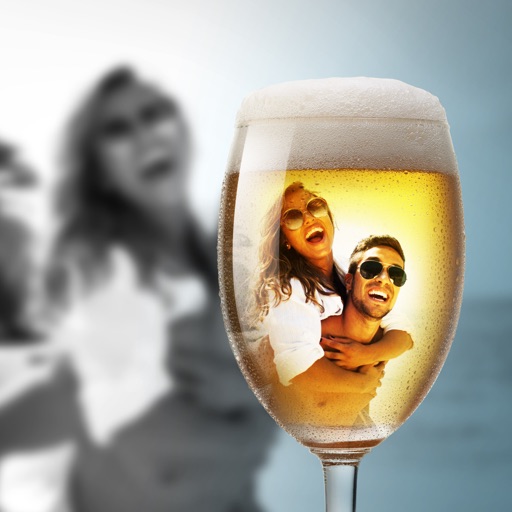
Capture photos and videos with customizable PIP frames. Apply foreground filters and background effects like blur, zoom, and comics. Add motion effects such as fire and snow. Create PIP videos or GIFs and share directly.

Justin Cegnar
Record time- and stop videos
Record stop videos by capturing sequential photos with manual control over interval, duration, and resolution. Adjust lighting, focus, and exposure settings. Export in various video formats and share directly.

Grafix Universe Ltd
Capture photos, edit films, share moments
Capture photos and videos with retro film filters and analog textures. Adjust exposure, contrast, and grain. Apply vintage color effects and scan-to-video conversion. Share edited media directly to social platforms.
Souria HAKKAR
Take photos and videos in low light
Take photos and videos in low-light conditions. Adjust exposure time with a gesture to capture more light. Use the iPhone torch while taking photos in complete .


Mako Muraoka Yudai Muraoka
Take photos and videos remotely
Remote camera control allows users to take photos and videos from a distance. Adjust focus, zoom, and flash settings. Set timer for 3 or 5 seconds. Switch between front and rear cameras. View captured media instantly.

ZIZICICI LIMITED
Capture and adjust moon shots precisely
Capture photos of the moon by aligning the camera manually. Adjust moon size with two fingers. Tap to autofocus or manually adjust focus. Modify brightness using +/- buttons for better detail. Press the circular button to take a photo.
Nienke Pleun
Draw on paper with your phone camera
Use your phone camera to projected images on paper and add color. Choose from templates like animals, cars, and nature. Includes a built-in flashlight. Share finished drawings with friends.

Apps are ranked by functional similarity, category fit, rating confidence, and popularity.