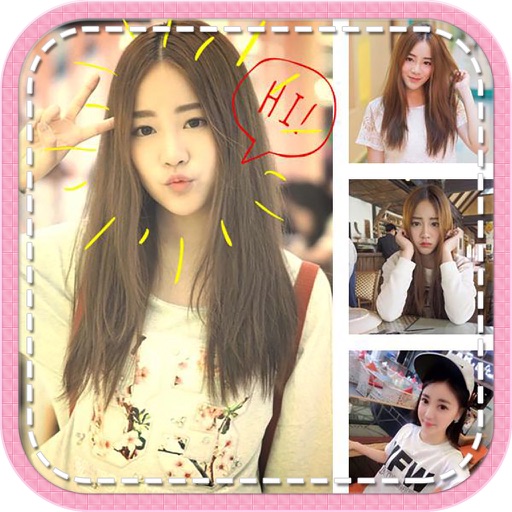
The app offers tools for photo editing, including frames, layouts, and effects. Users can adjust color balance, brightness, contrast, and saturation, and apply sharpening or blurring.
Edit photos by applying filters and adding eye effects. Choose from multiple eye styles and import images from the camera roll. Share edited photos on social media platforms like WhatsApp, Facebook, and Twitter.
Select photos from gallery or photo library. Choose from numerous PIP frames. Use single image for both foreground and background or different images for each. Edit foreground and background separately. Apply photo filters.
Edit photos with holiday-themed frames, filters, and effects. Add text, stickers, and decorations. Export in various formats and share directly. Adjust brightness, contrast, and colors for festive visuals.
Edit photos with , , and AI cutout tools. Apply neon, glitch, and overlay . Add doodles, artistic text, and fun stickers. Share edited photos directly to Instagram, WhatsApp, Facebook, and Messenger.
Create -themed with multiple creative options. Select images from gallery or camera. Apply effects for enhanced visuals. Share photos on social media platforms. Save edited images in high resolution.
Create artistic images with single-tap camera effects and professionally designed filters. Adjust brightness, contrast, and tone curve. Blur and focus images. Rotate, crop, and resize photos. Add text and fun stickers.
The app allows users to add text captions to photos and share them. Users can select from 78 custom fonts and 41 layer effects, including banners, thought bubbles, frames, and emojis, to enhance their captions.
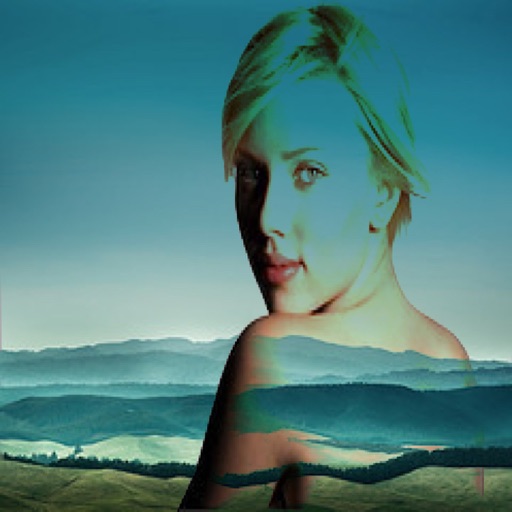
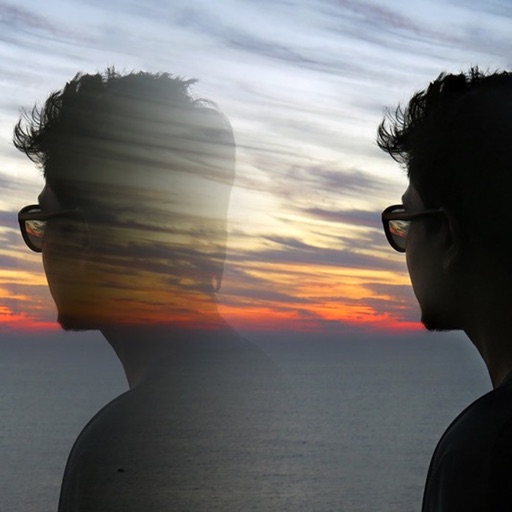
The app allows users to combine two images using various blend modes. Users can select photos from their device or the web and adjust layer transparency.
Edit photos by blending images from gallery or camera. Apply to merge pictures creatively. Adjust opacity and positioning for custom blends. Save and share edited photos directly.
Edit photos by selecting from Camera Roll or taking new shots. Apply real-time effects to create prism-like glass pieces. Adjust frames, shapes, and patterns. Rotate, resize, and drag elements for custom designs. Export and share edited images.
Edit photos by applying local filters to specific image areas or text. Add multiple graphics and text elements with different filters. Export edited images in various formats and share directly.
Edit photos with 12 blend modes including overlay, multiply, difference, and exclusion. Combine foreground images from a growing library of over 400 options. Export and share edited creations.
Remove backgrounds from images using automatic or manual tools. Edit photos with removal, erasing, and recovery brushes. Save and share edited images directly.