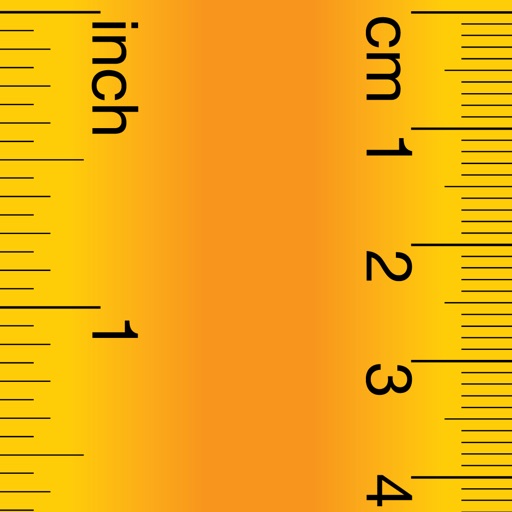
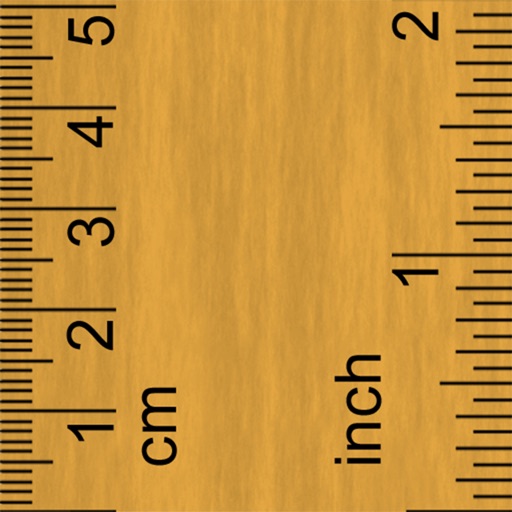
Measure lengths in centimeters or inches by placing the iPhone beside an object and moving it while touching the screen. Use a long scroll ruler up to 120 cm or a stick ruler with two sliders for small items.
Measure objects using touch as or tape measure. Split objects into equal parts and calculate width/height ratios. Estimate diameter, angles, and divide circular objects. Switch between millimeters and inches for units.
Create and refine artwork with customizable brushes and layers. Sketch, paint, and draw with pressure-sensitive tools. Save and organize projects. Export in various formats. Collaborate in real-time with others.
Learn to use various rulers with real-world examples and user cases. Explore different types of rulers including calipers. Discover how to and apply measurements accurately in practical scenarios.
Create and edit digital art with a wide range of brushes, materials, and fonts. Apply filters, screentones, and blending modes. Use rulers for symmetry and radial lines. Clip masks and record drawing sessions with stroke stabilization.
Measure objects by aligning them with the screen. Calculate furniture sizes for space planning. Use AR to scan rooms and get perimeter and square footage.
Measure objects with a camera ruler mode that uses your phone's camera for distance calculations. Switch between inches and centimeters. Adjust measurements with precision sliders. Access a classic ruler and tape measure for manual measurements.
Create digital art with 105 tools including pens, pencils, and brushes. Import and edit photos. Add text and rotate elements. Customize brush settings. Use customizable canvases. Save and share artwork.
Dimensions, spacing, and angles in screenshots and photos. Analyze color values, grid alignment, and element positions. Export measurements and compare dimensions across images.
The app offers over 20 drawing tools that mimic real-life implements, including wet and dry watercolor brushes. It features a tracing projector, precision tools like rulers and shapes, and full layer support for creating detailed artwork.
Allows users to measure distances between two points using augmented reality. It displays a ruler that unfolds on screen in real time. Users can switch between metric and imperial units. The supports a single distance or a continuous path.