iPhone Screenshots


Description
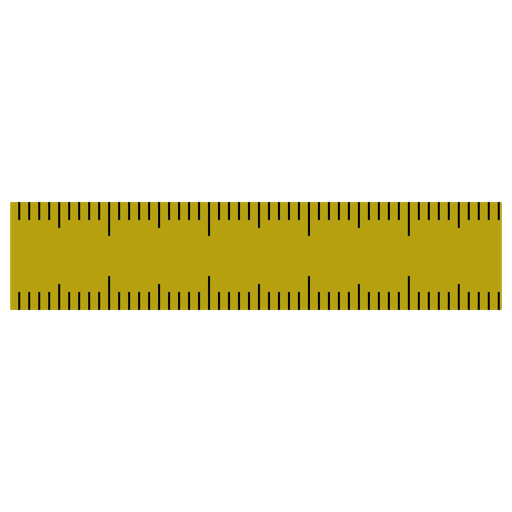
- Can have multiple rulers at the same time.
- Horizontal or vertical orientation.
- Has an option to show the measure from the start of the ruler to the mouse position.
- Also an option to show the middle and quarter lengths.
# Mouse shortcuts
- Left click: Click and hold to drag the ruler around. If pressed on the edges of the ruler then it resizes it.
- Middle click: rotate the ruler.
- Right click: open the context menu.
# Keyboard shortcuts
## Ruler window
- ⌘ + ( n )ew ruler --> create a new ruler
- ⌘ + ( c )lose ruler --> close the selected ruler
- ⌘ + ( o )ptions --> open the options window
- ⌘ + ( r )otate --> rotate the ruler window
- ⌘ + ( d )ivisions --> toggle the divisions option
- ⌘ + ( a )lways above --> toggle the always-above option
## Options window
- esc key --> closes the window