Create art by selecting colors and adjusting brush settings. Draw on a -like surface where flows and shifts. Manipulate to blend colors or form shapes. Use the dynamic behavior for creative expression and artistic experimentation.
by Patryk Zielinski★ 3.76 ratingsEducationFreeData updated 2026-09-12
Children practice through themed games focused on word, sentence, and story levels. Features include drills, progress tracking, and interactive activities designed for speech therapy. Users can customize goals and monitor improvements over time.
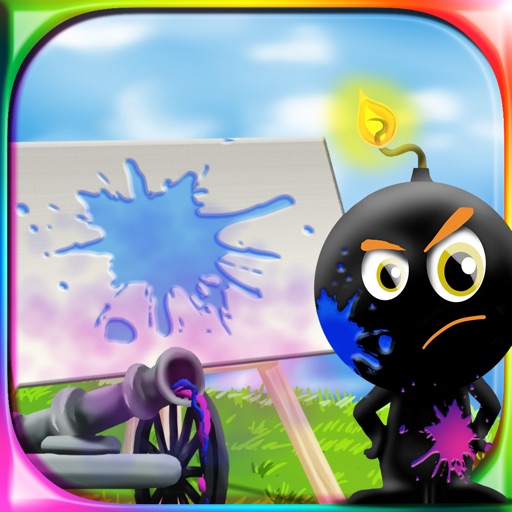
The app provides a drawing experience for all ages. Users aim and shoot colored cannonballs to create artistic splashes on a canvas and use brushes to draw.
Children can paint using their fingers on colorful templates. Choose from -themed pages to create artwork. Save and share drawings. Learn to mix colors and use brushes to enhance creativity.
Draw a in any pose with poseable figure tools. Adjust limbs and joints for custom positions. Use skins to enhance detail and realism. Change camera angles and zoom. Select from various backgrounds and platforms.
Create art with a brush that generates unique curves not found in other drawing tools. Use adjustable settings to customize brush behavior. Draw freehand or use predefined patterns. Export artwork in various formats and share directly.
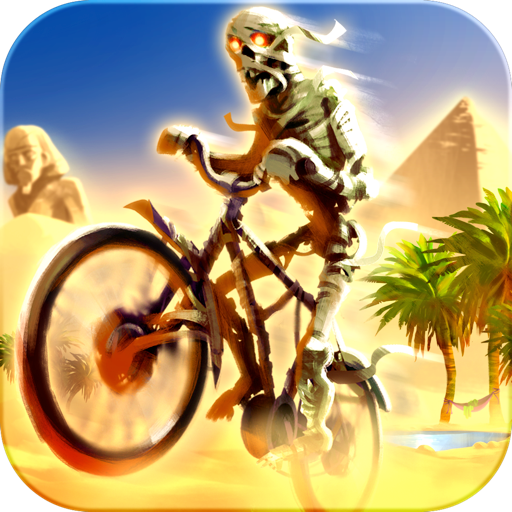
The app is an action racing game where players race faster than opponents while performing stunts. It features 8 worlds with 6 tracks each, 12 riders and bikes, and weather effects.
Allows users to create drawings with various tools and colors. Features include undo, redo, and erasing. Users can save and share artwork. The includes guided drawing activities and educational content. No ads or personal data collection.
The app provides a roulette wheel for users to draw numbers. Spinning the wheel builds tension for games with friends or for drawing winning numbers for lotto.
The app allows users to draw and sketch ideas with an easy-to-use interface. It offers various tools like pencil, line, oval, and rectangle, along with an eraser and undo/redo functionality.
Play interactive games to learn the alphabet, count numbers, and recognize shapes. Practice memory, logic, and concentration through puzzles and pattern games.
The app provides a multi-device collaboration tool for capturing and sharing creative ideas. Users can add notes, arrange them on a canvas, assign colors, and draw to organize thoughts and show relationships between concepts.
The app provides a smart coloring book experience for children. It features border line protection to prevent stray marks and allows users to mix their own colors.