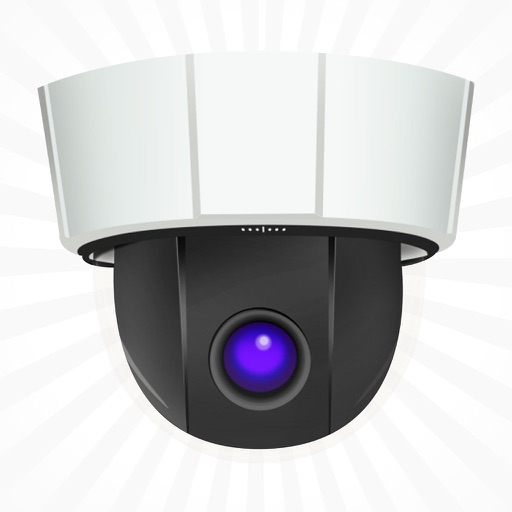
Control PTZ cameras with exposure and color settings. Adjust pan, tilt, and zoom using variable speed touch controls. Switch between up to eight cameras and save 16 recall positions per camera.
by Justin Brown★ 4.041 ratingsPhoto & Video$9.99Data updated 2026-11-09
Smart LED Lightstrip allows users to adjust RGB colors, set brightness levels, and control the device remotely via voice or . It supports scheduling and automation for lighting scenes.
The app allows users to monitor homes, offices, or stores remotely. Users can view live video, communicate via two-way audio, and control camera functions like pan, tilt, and night vision.
View live streams, control cameras, adjust settings
View live video and audio streams from IP cameras. Add, edit, or delete cameras. Control pan, tilt, and zoom with swipe gestures. Adjust camera settings like brightness and resolution. Save or share snapshots. Set preset positions.
View live streams from multiple IP cameras. Control PTZ functions and external devices via action buttons. Adjust grid layouts and set predefined views. Manage camera settings and receive real-time alerts.
Connect IP cameras to the internet for remote monitoring. Access cameras from anywhere. Share devices with family members with one tap. Quickly connect the to compatible devices.
View live video feeds from IP cameras with high frame rates over WiFi and 3G. Control PTZ cameras using gestures. Display dual or quad camera views. Add manual JPEG or Motion JPEG streams. Monitor surveillance and process activities remotely.
Live camera feeds from multiple channels simultaneously. Playback stored recordings from a DVR. Adjust DVR or NVR settings within the . Capture live video or still images for later review. Save captured footage to the device.
Monitor and receive alerts from surveillance cameras connected to a Synology NAS or NVR. Control PTZ cameras, set patrols, and adjust lenses in real-time. Apply advanced filters to review recordings. View live feeds and access historical footage.
Control PTZ IP cameras with pan, tilt, and zoom functions. Manage security, live stream, or game footage setups. Adjust camera angles and settings remotely. View real-time video feeds and record footage.
Monitor live video feeds from multiple cameras with real-time preview and PTZ control. Scan QR codes for quick access. Capture and save videos, back up recordings. View multi-image layouts and manage camera settings remotely.
Use camera to magnify objects. Switch between front and back cameras for mode with light bars. Tap to freeze image and adjust brightness and contrast. Pinch to zoom, rotate, and pan. Save final image to Photos.
View real-time video feeds from IP cameras supported by . Receive motion detection alerts and review recorded footage. Monitor family members, pets, or property remotely. Control camera settings and access live streams anytime.
View live video feeds from anywhere via smartphone. Engage in two-way audio conversations. Receive motion detection alerts. Zoom, pan, and tilt to inspect details. Recognize faces in real-time.