Edit photos with filters, contrast, brightness, and color adjustments. Add text, stickers, and drawing tools. Customize images and landscapes. Export in high quality. Access a free image library. Apply advanced editing features.
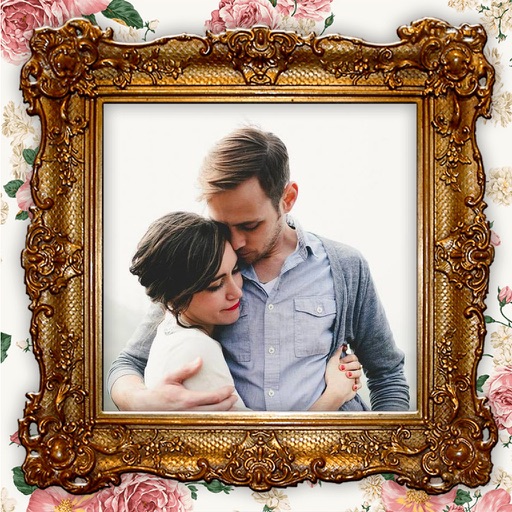
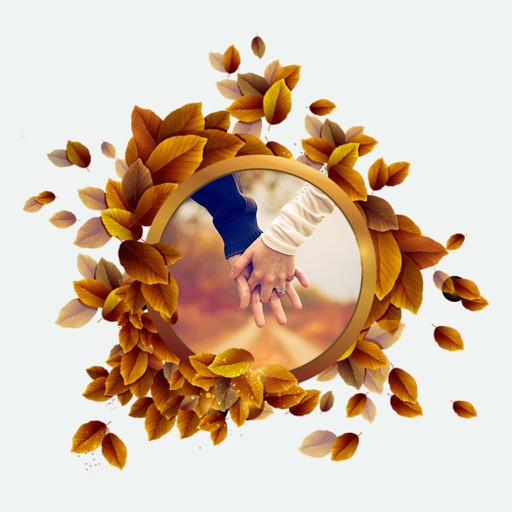
Apply -themed to images from the gallery or camera. Adjust frame size and position by rotating, scaling, zooming, or dragging. Choose from fifteen in various shapes and colors. Save edited photos to the device.
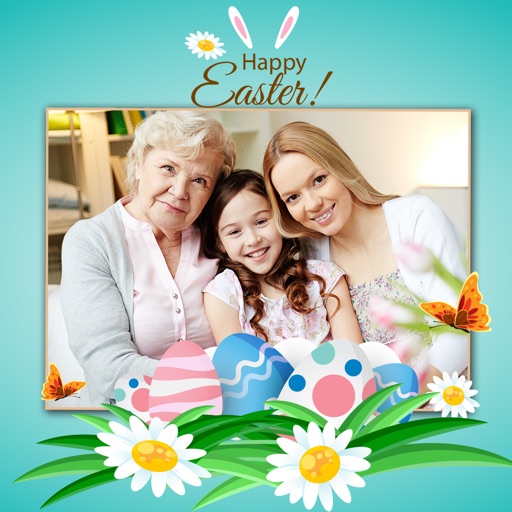
Create by selecting a photo from the camera or gallery. Choose a frame, adjust its position, rotation, and size. Share the card via social networks or messaging apps.
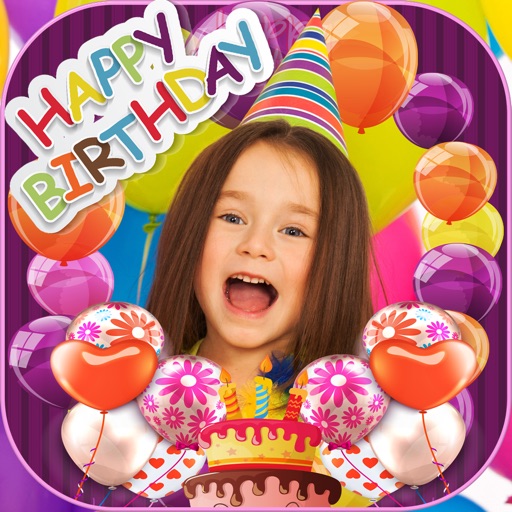
Add cute and funny labels to photos of children. Edit images with customizable borders and stickers. Organize photos into albums and share edited content directly.
Create collages with single or multiple photos, up to 14 images. Add , backgrounds, and drawings. Share collages on Facebook, Instagram, Twitter, WhatsApp, and other platforms. Edit photos with basic tools and apply templates.
Create with customizable designs organized into categories like birthday, love, and nature. Add background to photos. Edit images by adding text, stickers, and decorative elements. Export and share edited photos.
Edit photos and videos with AI-generated anime styles, including facial enhancements and background effects. Apply filters, adjust colors, and add animated elements. Export edited content in various formats and share directly.
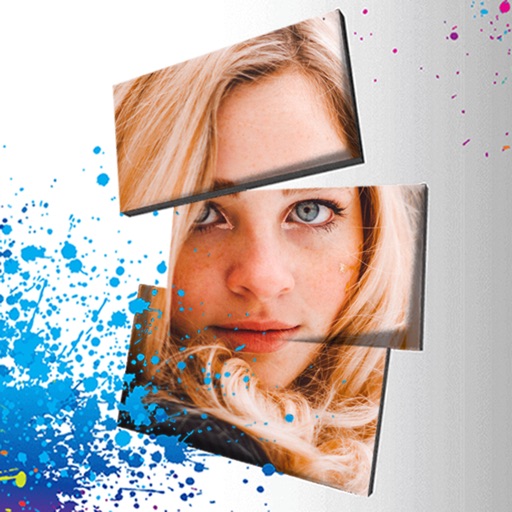
Edit photos with 3D and color effects to create立体 art. Apply special effects to enhance images. Save and share edited photos directly. Use fun and intuitive editing tools for creative customization.