Create custom bordered wallpapers from your photos
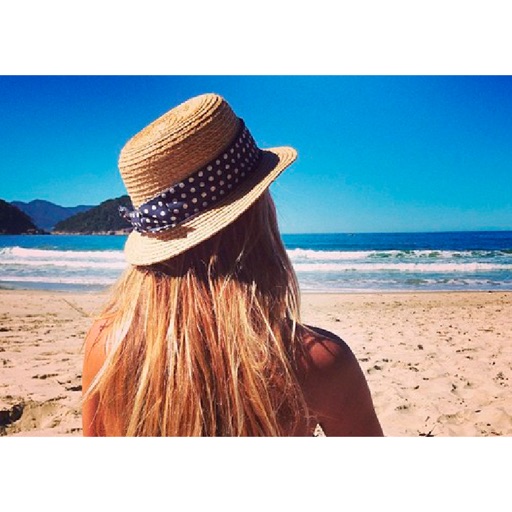
Create custom bordered wallpapers by importing photos from your library or selecting included images. Adjust border color, style, and opacity. Export wallpapers to your photo library and apply them to home or lock screens.
Blur image backgrounds to create effects. Select photos from gallery or capture new images. Apply multiple blurring tools to adjust blur intensity. Export edited photos to device storage.
Edit photos by blurring backgrounds, faces, or specific subjects. Apply various effects and filters. Save edited images to the camera roll or share them directly.
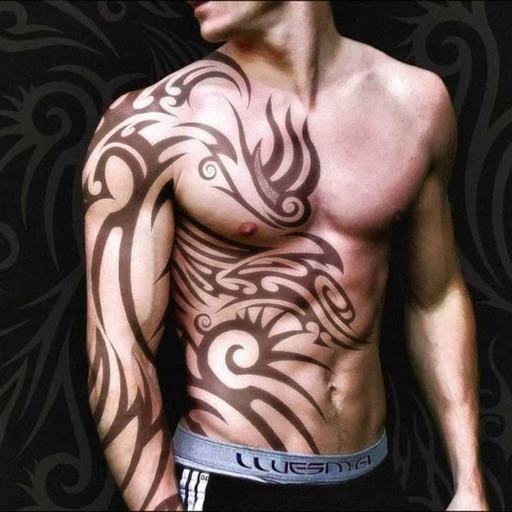
Create tattoos on photos with high-definition images. Select from various styles like dragon, color, love, and kanji. Apply effects and save or share directly. Choose photos from camera or gallery.
By selecting photos from the gallery or camera. Choose from various and adjust photos with zoom, rotate, and move features. Send customized greeting to friends and family.
Edit photos by selecting from a gallery or taking new ones. Choose from various -themed to enhance images. Save and share edited photos directly. Create postcards by combining photos with . Adjust and export final edits in different formats.
Edit photos with retouch tools and apply filters. Create beautiful covers for social media. Upload and share directly from the . Adjust settings and save high-quality versions. Manage privacy settings for content.
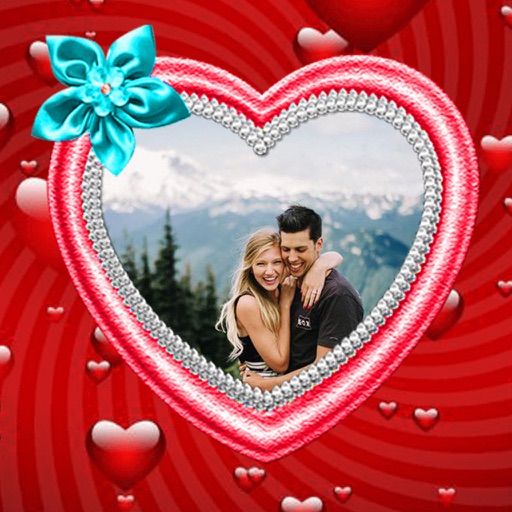
Create collages by combining multiple photos into a single framed image with captions. Add 2D and 3D effects. Share finished collages on social media platforms like Facebook, Twitter, and Flickr.
Memes using a large collection of templates. Search for templates by popularity, relevance, date, or usage. Add text, images, and labels. Save memes to a list for future editing. Undo and redo changes during creation.
Decorate photos with customizable and effects. Choose images from the gallery or capture new ones. Adjust position, size, and angle. Save, share, or upload photos to social media platforms.
Select a from the gallery or capture one with the camera. Apply various stylish and effects. Adjust position, size, and angle. Save, share, or upload the edited image to social media platforms.